
Top tools for field marketers to execute events (without becoming event planners)
Event tools are supposed to save time.
For many field marketing teams - particularly those juggling multiple tools without native integrations - they add a step.
Okay... multiple steps.
You pick up Eventbrite for registration, Asana for the checklist, Canva for the invite, and Slack to coordinate the day of.
Each tool does its job.
None of them talk to each other.
Attendance data sits in Eventbrite until someone exports it, cleans it, and pushes it into Salesforce by hand. Salesforce's own documentation notes that Eventbrite's API blocks prospects from being registered through Pardot forms entirely.
This covers what the common field marketing event tools actually do, where they stop, and which combinations tend to hold up when you're running more than a few events a quarter.
What do field marketers actually need from event tools?
You're running a client dinner in Austin next month, a regional roadshow the month after, and a partner event the month after that. None of these are your whole job. All of them will fall apart if the venue falls through, the guest list lives in a spreadsheet, or the attendee data never makes it back to Salesforce.
Three things separate tools that help from tools that create more work:
- Speed over sophistication: Roadshows and customer dinners often get planned in two to four weeks, not three to six months. Tools that require three to eight weeks of onboarding before you can launch a registration page don't fit that reality.
- Lightweight execution: You don't need session tracking, expo hall management, or a mobile app with a social feed. You need venue sourcing, RSVP management, and guest communication that works without a learning curve.
- Pipeline visibility: Field marketing events exist to move deals. The tools have to connect back to Salesforce or HubSpot so attendance shows up as pipeline influence, not just a budget line item.
What is the difference between event marketing tools and event management software?
These two categories get conflated constantly, and the confusion leads to teams buying the wrong thing.
Event marketing tools handle promotion: email campaigns, landing pages, social ads, and CRM integrations that drive registrations. Think HubSpot, Marketo, or Eventbrite's promotional features.
Event management software handles operations: venue sourcing, guest lists, check-in, vendor coordination, and post-event reporting. Think BoomPop, Cvent, or Whova.
Most field marketing teams already have the marketing side covered. The breakdown happens on the management side, when someone has to manually source venues, chase dietary restrictions, coordinate vendors, and reconcile attendee lists across three spreadsheets the week before the event.
The best event organization tools for field marketers
Not every tool does every job. Here's what each one actually handles, and where it stops:
BoomPop for end-to-end event execution
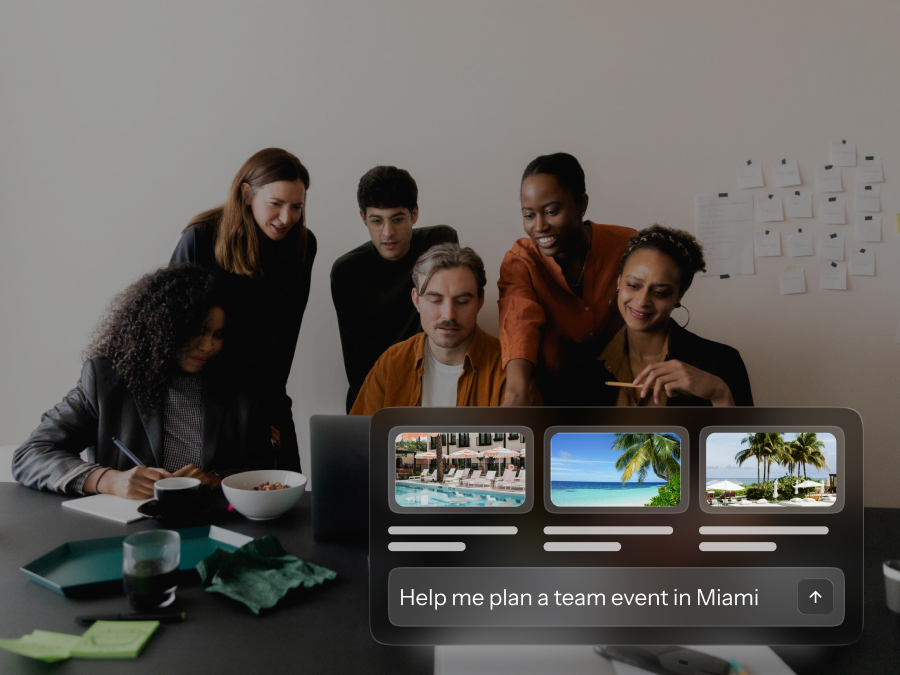
BoomPop combines event management software with expert planning support, so field marketers can run client events, SKOs, roadshows, and regional activations without a dedicated event planner on staff.
Key capabilities include:
- Venue and hotel sourcing with discounts up to 40% across 1M+ vendor partners
- AI-powered guest messaging that automatically answers attendee questions without requiring manual responses
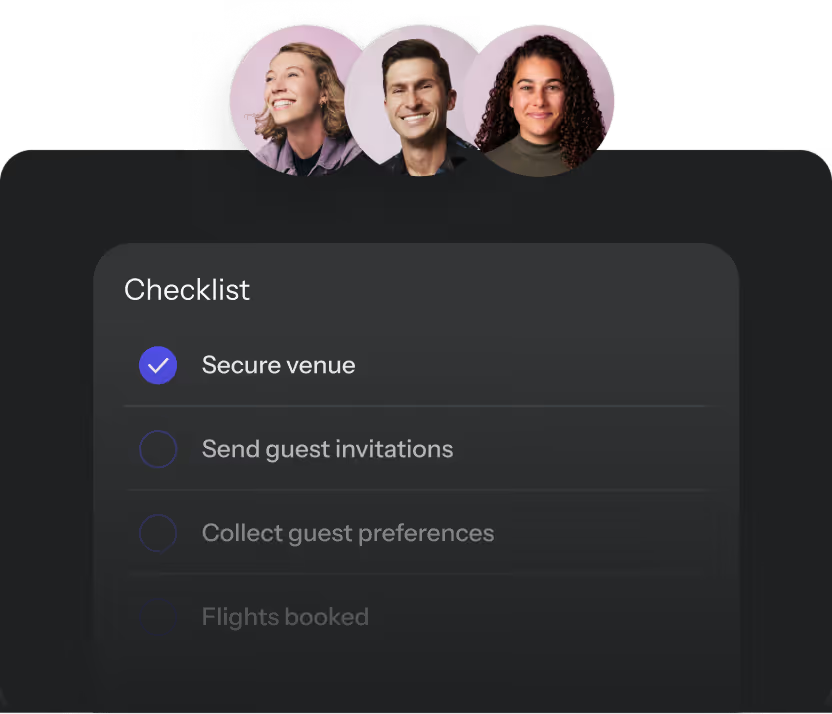
- A Company Event Hub that surfaces all past and upcoming events with metrics like total attendees, budgets, and KPIs in one place
- Full-service planning for teams that want to hand off logistics entirely, including vendor coordination, on-site execution, and post-event reporting
Best for: Field marketing teams running client events, SKOs, roadshows, and regional activations who want one place to manage everything.
HubSpot or Salesforce for lead and attendee data
These platforms don't manage events. They track who attended and what happened next, which is the part that matters to sales leadership when they ask what the event actually produced.
The critical dependency: attendance data has to flow back cleanly from whatever tool manages the event. Without that connection, the pipeline influence is invisible.
Best for: Connecting event attendance to pipeline data and proving event ROI.
Asana or Monday.com for event task management
Field marketers already use these for campaign planning, and they work for event checklists, vendor follow-ups, and internal coordination across a team running multiple events simultaneously.
The gap appears the moment you need to manage guest lists, send attendee communications, or handle day-of logistics. Task trackers don't do any of that.
Best for: Keeping the internal team aligned on who owns what and when.
Slack for day-of coordination
Dedicated event channels keep vendor questions and last-minute updates from flooding other team channels. Real-time coordination with on-site staff and vendors is where Slack earns its place in the event stack.
It's not a system of record. Attendee lists, vendor contracts, and event details need to live somewhere else.
Best for: Real-time communication during event setup and execution.
Canva for event marketing assets
Invitations, signage, social posts, and follow-up emails get produced faster when a field marketer doesn't have to wait for a designer. Canva's brand kit integration keeps assets on-brand even under deadline pressure.
Distribution still requires a separate tool. Canva designs the assets; the email platform sends them.
Best for: Creating on-brand event collateral quickly without a design team.
Eventbrite for simple ticketing and registration
For public or semi-public events where attendees register themselves, Eventbrite is fast and familiar. It handles ticketing, waitlists, and basic attendee data collection without custom configuration.
The B2B limitations show up quickly. Salesforce documentation notes that due to an Eventbrite API restriction, prospects can't be registered for events via Pardot forms or completion actions. HubSpot's integration syncs basic registration and attendance data, though it doesn't map custom fields like company name or industry, which makes ABM segmentation and pipeline reporting harder than it should be.
Best for: Low-complexity events where self-registration is the primary need.
Slido for live audience engagement
Live polls, Q&A, and audience surveys run directly inside PowerPoint or Google Slides. Setup takes minutes, not hours.
Slido adds interactivity to presentations. It doesn't touch logistics, venue coordination, or attendee management.
Best for: Adding interactivity to presentations and demos at in-person or hybrid events.
Zoom Events or Webex Events for virtual and hybrid sessions
Virtual roadshows, product demos, and webinars need streaming, registration, and basic attendee management in one place. Both platforms handle that without requiring a separate tool for the virtual audience.
For physical events, neither platform helps. In-person venue coordination and on-site attendee management require a different tool entirely.
Best for: Virtual roadshows, webinars, and hybrid events with a remote attendee component.
Should field marketers use an all-in-one platform or a tool stack?
The answer depends on how many events you're running and how much coordination overhead you're willing to absorb.
- Tool stack approach: Works when the team already has HubSpot, Asana, Slack, and Canva in place and only needs to fill specific gaps. Lower licensing cost, higher operational complexity. More tools means more handoffs, more places for details to fall through, and more manual reconciliation work between systems.
- All-in-one platform approach: Works when the team runs events frequently, needs visibility across multiple events, or wants to stop stitching tools together. Higher upfront investment, lower day-to-day drag.
Research from Workday found that 82% of professionals spend significant time moving data between tools and reconciling conflicting reports, with one in five losing more than seven hours per week to that copy-paste work. For field marketing, that shows up as attendee exports from Eventbrite, list cleanup in spreadsheets, task updates in Asana, staffing coordination in Slack, and follow-up lists pushed back to HubSpot. Each handoff is a place where something gets lost.
The tipping point usually hits when a team is running more than four to six events per quarter. At that volume, the tool stack costs more in time than it saves in licensing fees. The hours spent sourcing venues, managing RSVPs, chasing dietary restrictions, and coordinating vendors don't show up on a budget line, though they add up fast.
How should field marketers measure event ROI?
Field marketing events are tied to revenue. That's what separates them from internal offsites, and it's what sales leadership will ask about when the event is over.
The metrics that matter:
- Pipeline influenced: Which open opportunities had an attendee at the event? This lives in Salesforce or HubSpot and requires clean attendance data flowing back from the registration or management tool. Without that connection, the number doesn't exist.
- Attendee engagement: Check-in data, session attendance, and live poll response rates are proxies for whether the right people showed up and stayed. Low engagement - such as check-in rates below 60% or poll participation under 30% - often signals a targeting problem, not a logistics problem.
- Cost per attendee: Total event spend divided by confirmed attendees. Useful for benchmarking across events and justifying budget to finance. No-show rates above 30-40% inflate this number fast.
- Follow-up conversion rate: What percentage of attendees converted to a next step, such as a meeting booked, demo requested, or deal advanced, within a defined window post-event? This is the metric that connects the event directly to pipeline velocity.
BoomPop's Company Event Hub surfaces all of these metrics across every event in one place, making cross-event ROI tracking possible without building a custom dashboard or pulling reports from three different systems.
How do you choose event planning tools your team will actually use?
A tool that looks good in a demo and sits unused under deadline pressure is worse than no tool at all. Before adding anything to the stack, five questions cut through the noise:
- Does it integrate with your CRM? If event data doesn't flow back to Salesforce or HubSpot automatically, the pipeline impact is invisible. A manual export-import process that someone has to remember to run after every event is not an integration.
- How long does onboarding take? Cvent's own onboarding guidance recommends planning eight to ten weeks before an event to allow for training, configuration, dry runs, and promotion. That timeline works for annual conferences, not for regional roadshows planned in three weeks.
- Does it handle the volume you run? A team running two events a year has different needs than a team running two events a month. Tools that work for occasional events often break down at higher volumes when the team needs batch operations, templated workflows, and cross-event reporting.
- Can a non-planner use it? Recent G2 reviews of Cvent describe an interface that feels overwhelming when navigating many features, with advanced configurations requiring extra setup time. Whova reviews describe the interface as comprehensive but hard to navigate, with so many features that the experience is dizzying. If the tool requires event planning expertise to operate, it's the wrong tool for a field marketing team.
- What does support look like when something goes wrong? Email support with a 48-hour SLA is not enough the day before an event. The best platforms offer the same response times - such as live chat or phone support with under-one-hour response - on week six as they did on week one.
Speed is useless if the data is wrong. A tool that gets the event launched fast but doesn't push clean attendance data back to Salesforce creates more work downstream than it saved upfront.
Frequently asked questions
What are the most common tools used in event marketing?
The most common tools fall into two categories: tools that promote events, like HubSpot, Marketo, and Eventbrite, and tools that manage execution, like BoomPop, Cvent, and Whova. Field marketing teams typically need both, though the execution side is where most teams have gaps.
What is the difference between event management software and a project management tool?
Event management software handles venue sourcing, guest lists, attendee check-in, and post-event reporting. A project management tool like Asana or Monday.com tracks tasks and deadlines but doesn't manage guests, vendors, or event-specific logistics.
Can field marketers run events without a dedicated event planner?
Yes, with the right tools and for more complex events, the right platform or partner. Platforms like BoomPop are built specifically to give non-planners the infrastructure and support they need to execute events without event planning expertise on staff.
How many tools does a field marketing team need to run events?
Field marketing teams typically cover the basics with three to five tools: a CRM for pipeline data, a project management tool for internal coordination, a design tool for assets, a registration tool for attendee sign-ups, and an event management platform for venue sourcing and execution. Teams running more than six events per quarter or events with budgets exceeding $25,000 often consolidate into a single platform to reduce coordination overhead.
Start planning in 2 minutes or less
.avif)

.svg)