Why does the fifth field event feel exactly as hard as the first?
It should get easier.
You've done the vendor search, built the approval chain, set up the tracking sheet.
But the next event starts from scratch anyway, because nothing from the last one carries forward.
Eventbrite's own guidance for multi-date programs tells you the event schedule won't copy over and needs to be rebuilt per listing.
Cvent treats every event as its own build.
The tools aren't designed to accumulate vendor relationships, negotiated rates, or approval workflows from one event to the next.
This article walks through what a repeatable field event workflow actually looks like, and how to stop rebuilding the same system every time a new event lands on your plate.
Why do multiple field events break workflows?
Every new field event becomes its own project from scratch. A different spreadsheet, a different approval chain, a different vendor search, and a different way of tracking who confirmed their hotel. The fifth event is just as manual as the first.
Most event management tools treat the individual event as the unit of work, which is fine when you're running one annual conference. Cvent documents "Event Builds" with complexity tiers driven by per-event attributes like registration paths, website pages, hotels, and session rules. Eventbrite's own guidance for multi-date programs often boils down to copying events and recreating schedules, noting that an "event schedule won't copy over" and needs to be rebuilt per listing.
Where does the hidden event work pile up?
The tasks that hurt most are the ones that never get easier with repetition. Each event owner starts from scratch on sourcing, policy, communications, and reporting, with no shared system carrying anything forward.
- Venue sourcing: Every event starts a new hotel search with no shared rate history or vendor relationships to draw from.
- Budget rules: Finance policies live in someone's head or a one-off email thread, so every new requester asks the same questions.
- Guest communication: Attendee questions get answered manually each time because there is no shared messaging layer.
- Post-event reporting: Spend, attendance, and outcomes live in different formats across different owners, making comparison impossible.
Why do spreadsheets stop working at event number five?
Version conflicts emerge when multiple people edit the same file, visibility disappears when each event owner maintains their own tracker, and enforcing policy requires a manual review of every row. A 2008 study by Ray Panko found that 88% of spreadsheets contain errors, which compounds when you're rolling up attendee counts, spend, and outcomes across many events.
Why do approvals get messy across teams?
Different departments submit event requests with no shared intake path, so approvals happen over email, in Slack, or not at all. When budget thresholds and headcount limits vary by team, the planner has to remember the rules for each group and apply them manually every time, which makes the planner the bottleneck rather than the system.
What does a repeatable field event workflow need?
A repeatable field event workflow is a shared system that any event moves through the same way, regardless of who is running it or where. Five components work together to eliminate the rebuild cycle.
One intake path
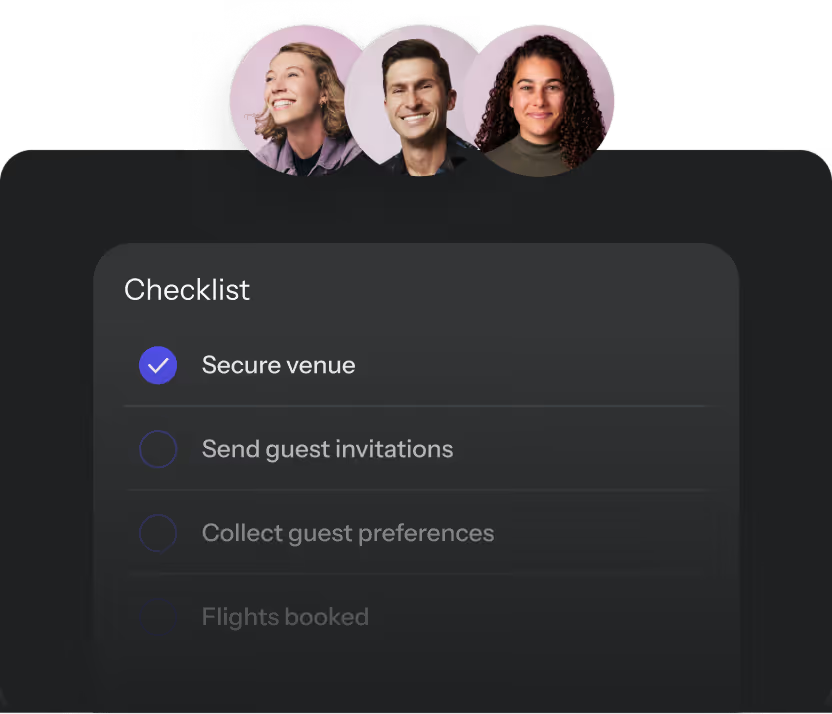
Every event request enters through the same form, capturing event type, estimated headcount, date range, budget, and any policy-relevant details. This replaces ad hoc Slack messages and email threads as the starting point, so the planner knows what is coming without chasing down missing information.
Policy-based approvals
Approval rules are set once and applied automatically based on event parameters like budget thresholds, headcount, or event type. Examples include:
- A $5,000 team dinner auto-approves
- A $50,000 client event triggers finance review
Neither requires the planner to manually route the request.
Guest management
A single guest record per event captures RSVPs, dietary needs, travel details, and communication history. Running multiple events concurrently without this means managing five separate email threads for five different attendee lists, and something always falls through.
Venue and vendor sourcing
Rather than starting a new search for every event, a repeatable workflow connects to a sourcing layer with existing vendor relationships and negotiated rates. BoomPop's network of 1M+ vendor partners and hotel discounts up to 40% is a concrete example of what this looks like in practice, especially when running events across multiple destinations.
Reports that compare every event
Post-event data lives in one place and uses the same format across all events, whether the event was a 10-person client dinner or a 200-person SKO. If your "portfolio reporting" starts with a CSV export, you don't have portfolio reporting. You have portfolio homework.
How do you standardize events without making every event identical?
Standardization applies to the process, not the experience. The intake form, approval chain, and reporting format stay consistent while the venue, format, agenda, and activities are still chosen event by event.
Templates by event type
A base template for each recurring event type pre-populates the standard fields, default budget ranges, and common vendor categories. The event owner fills in the specifics without rebuilding the structure each time.
Flexible fields for each audience
Within a template, destination, theme, and specific vendors remain open so the event owner makes decisions that reflect their team's culture without changing the underlying workflow. A West Coast sales team runs a different style of offsite than an East Coast engineering team, while both events move through the same approval and reporting process.
Local ownership with central visibility
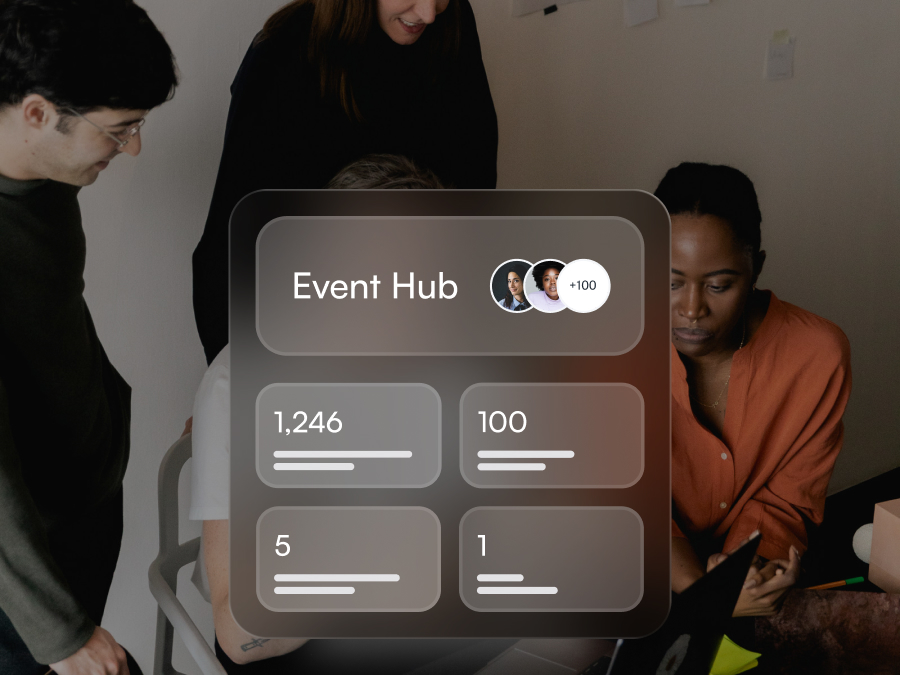
Regional or departmental event owners run their own events without central approval for every decision, as long as they stay within policy. Leadership sees all events in one hub, past, live, and upcoming, without being involved in each one. The difference is between "I need to approve every vendor choice" and "I need to see total spend and attendance across all events."
How do you run live events without spreadsheet chaos?
Even well-planned events fall apart in execution when information is scattered across tabs, inboxes, and chat threads. The day-of reality is where the planner's reputation is most at risk: a missed dietary restriction or a guest who shows up to the wrong hotel reflects on the planner, even when the root cause was a spreadsheet breakdown.
Segment guests early
Before the event, tag attendees by role, travel needs, or access level. A speaker needs different details than a general attendee, and a guest flying in internationally needs different travel instructions than someone driving locally.
Centralize attendee updates
All guest-facing updates, confirmations, reminders, agenda changes, and travel details, flow through a single communication channel. BoomPop's AI guest messaging handles inbound attendee questions automatically, so the event owner is not manually answering "what time does it start?" while also managing logistics on the ground.
Track travel and arrival changes
For multi-day or multi-location events, last-minute travel changes are inevitable. A centralized record of who is arriving when means the event owner knows the real headcount before the first session starts, not after, which matters when deciding whether to release unused hotel rooms before the cutoff.
Monitor spend and attendance
Tracking actual spend against budget and confirmed attendance against registered headcount in real time is not just for reporting. It is for making decisions during the event, like adjusting catering orders or releasing unused hotel rooms before the cutoff, which can save thousands of dollars on a single event.
How does automation reduce manual event work?
Automation in field event management means routine, rule-based tasks happen without someone triggering them manually. AI handles open-ended inputs like natural language questions or venue suggestions based on event parameters. Both reduce coordination load - automation by eliminating manual routing steps, AI by deflecting repetitive attendee questions that would otherwise require individual responses.
Trigger approvals from requests
When a new event request is submitted, the approval notification goes to the right person automatically based on event parameters, with no manual forwarding required. If the budget is under a set threshold, it may auto-approve entirely, so the event owner moves forward without waiting for someone to check their email.
Send guest answers automatically
BoomPop AI answers common attendee questions like hotel address, parking, dress code, and agenda timing without the event owner needing to reply. Legacy guest comms through email or Slack scale by adding coordinators - one coordinator per 50-100 attendees is common. AI guest comms scale by deflecting the same question 100 times without additional headcount.
Update event records in plain language
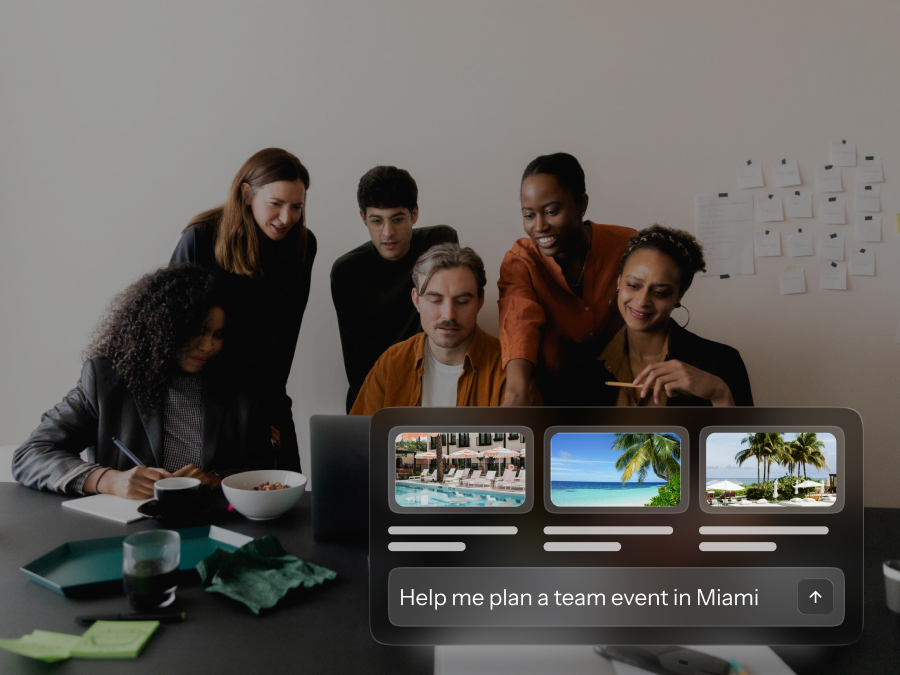
BoomPop's AI allows event owners to update event details like headcount, dates, or venue using natural language rather than navigating a form. Instead of clicking through five fields to change the headcount from 40 to 45, the event owner types "we're expecting 45 people now" and the system updates the record.
Surface hotel options faster
Rather than manually researching hotel options from scratch, AI suggests venues based on event parameters like location, headcount, dates, and budget. BoomPop's hotel sourcing uses this approach, compressing the sourcing step that is often the most time-consuming part of planning when starting from zero in a new city.
How should you choose a multi-event platform?
Many event management platforms are designed for a single large conference or a public-facing ticketed event, optimizing for registration pages and session scheduling rather than cross-event visibility and policy enforcement. When evaluating platforms for ongoing, multi-event programs, the criteria shift.
Key capabilities to look for:
- Portfolio visibility: The platform shows all events, past, live, and upcoming, in one view with shared metrics like total attendees, budget spent, and destinations visited. A single-event view is not enough when you are managing a program.
- Policy and approval controls: Approval rules, budget thresholds, and event policies are configured once and applied automatically to every new request. If you have to manually enforce policy for each event, the system is not doing its job.
- Guest support: The platform handles guest communications, RSVPs, dietary needs, and attendee questions in one place, ideally with automated responses for common questions. Eventbrite routes attendee replies to a configured email address, meaning humans still process every back-and-forth thread.
- Sourcing value: Some platforms connect directly to vendor networks with pre-negotiated rates. BoomPop's hotel and vendor sourcing offers discounts up to 40% through a network of 1M+ partners, which is especially valuable when running events across multiple destinations.
- Full-service option: For high-stakes events like SKOs, incentive trips, or client events with 100+ attendees where logistics span multiple venues and the planner cannot afford to be the bottleneck, full-service planning support means the event owner can hand off execution entirely. BoomPop offers both self-serve and full-service options, covering the range from "I want to manage it myself" to "I want someone to run it for me."
Single-event tools make you a great event builder. Portfolio platforms make you an event operator.
FAQ
How do you manage multiple company field events at the same time?
Use a centralized event management platform that gives every event a shared intake path, approval workflow, and reporting format, so each event follows the same process without rebuilding the system from scratch.
What is the best way to reuse field event workflows across teams?
Build event type templates that pre-populate standard fields like headcount, budget range, and vendor categories, and let individual event owners fill in the specifics. The structure is shared, but the content stays flexible.
Can local or regional teams request events without losing central oversight?
Yes. With policy-based approvals and a shared event hub, regional teams submit and manage their own events while the central planning team retains visibility into all activity, spend, and outcomes across the portfolio.
How do you measure a field event program across multiple events?
A shared reporting format that captures spend, attendance, destinations, and KPIs for every event makes it possible to compare results across the program and report to finance or leadership using consistent data.
When does it make sense to use full-service event planning instead of a self-serve platform?
For high-stakes events like SKOs, incentive trips, or client events with 100+ attendees where logistics span multiple venues and the planner cannot afford to be the bottleneck, full-service planning support lets them hand off execution while staying informed.
Start planning in 2 minutes or less
.avif)

.svg)