Most teams are running internal and customer events out of completely different systems.
That works until finance asks for a portfolio view and the planner has to spend three days building a report from disconnected tools nobody asked to integrate.
8 platforms claim to solve this: BoomPop, Cvent, Bizzabo, Whova, Swoogo, Splash, Eventbrite, and ON24.
Each one handles registration, guest communication, and basic reporting.
Where they differ is how far you get before you need a second vendor - for badge creation, for hotel sourcing, for onsite logistics - and whether that gap shows up before or after you've signed the contract.
What is event management software for internal and customer events
Most teams searching for event management software are already running both types of events and managing them in completely different ways. Internal events are offsites, retreats, sales kickoffs, and all-hands meetings planned for employees. Customer events are client summits, conferences, product launches, and incentive trips planned for external audiences.
Event management software is a centralized platform that handles planning, logistics, registration, guest communication, and reporting across both event types in one system. The key distinction is software built to manage internal and customer events together, rather than requiring separate tools for each.
When your VP of Sales books a client summit in Q2 and your People team plans an offsite the same month, leadership can see both events, their combined budget impact, and attendee counts in one place, without asking two different planners to build manual reports.
Why do teams need one event management system
Finance asks for consolidated Q2 event spend and the answer takes three days to produce because the data lives in Eventbrite for one event, a Google Sheet for another, and email threads for the rest. Running internal and customer events in separate systems creates operational pain that compounds with every event added to the calendar.
The multi-event coordination problem
Without a portfolio view, leadership cannot see total spend, event status, or ROI across the program without asking the planner to build a manual report. A big feature list is not a strategy. The real problem is fragmentation: different teams, different tools, no single source of truth.
The budget and approval problem
The planner finds out a team booked a venue outside policy when the invoice arrives, not before. HR has one approval chain, Marketing has another, Sales has none. A platform with structured event policy and approvals lets employees submit event requests through a single workflow, with customizable policies and configurable approvers to catch budget surprises before contracts are signed.
The guest communication problem
A planner fielding individual dietary restriction questions, RSVP confirmations, and day-of logistics from two separate attendee groups across email and Slack is doing work that scales badly with event volume. AI-powered guest messaging that automatically answers attendee questions via text and Slack removes the planner as the bottleneck. Without it, the planner becomes a human help desk for 100+ guests across multiple events simultaneously.
What are the best event management software platforms
These platforms were evaluated on their ability to handle both internal and customer events in one system. Some are stronger for conferences, others for corporate offsites, and a few handle both.
BoomPop
BoomPop is built for mid-to-large organizations running frequent internal and customer events who need a single operating system for the full event portfolio. It serves Google, Salesforce, Shopify, Amazon, and thousands of other organizations, has hosted 500,000+ attendees across 1M+ vendor partners, and was named the 7th fastest-growing software company on the 2025 Inc. 5000.
Key capabilities include:
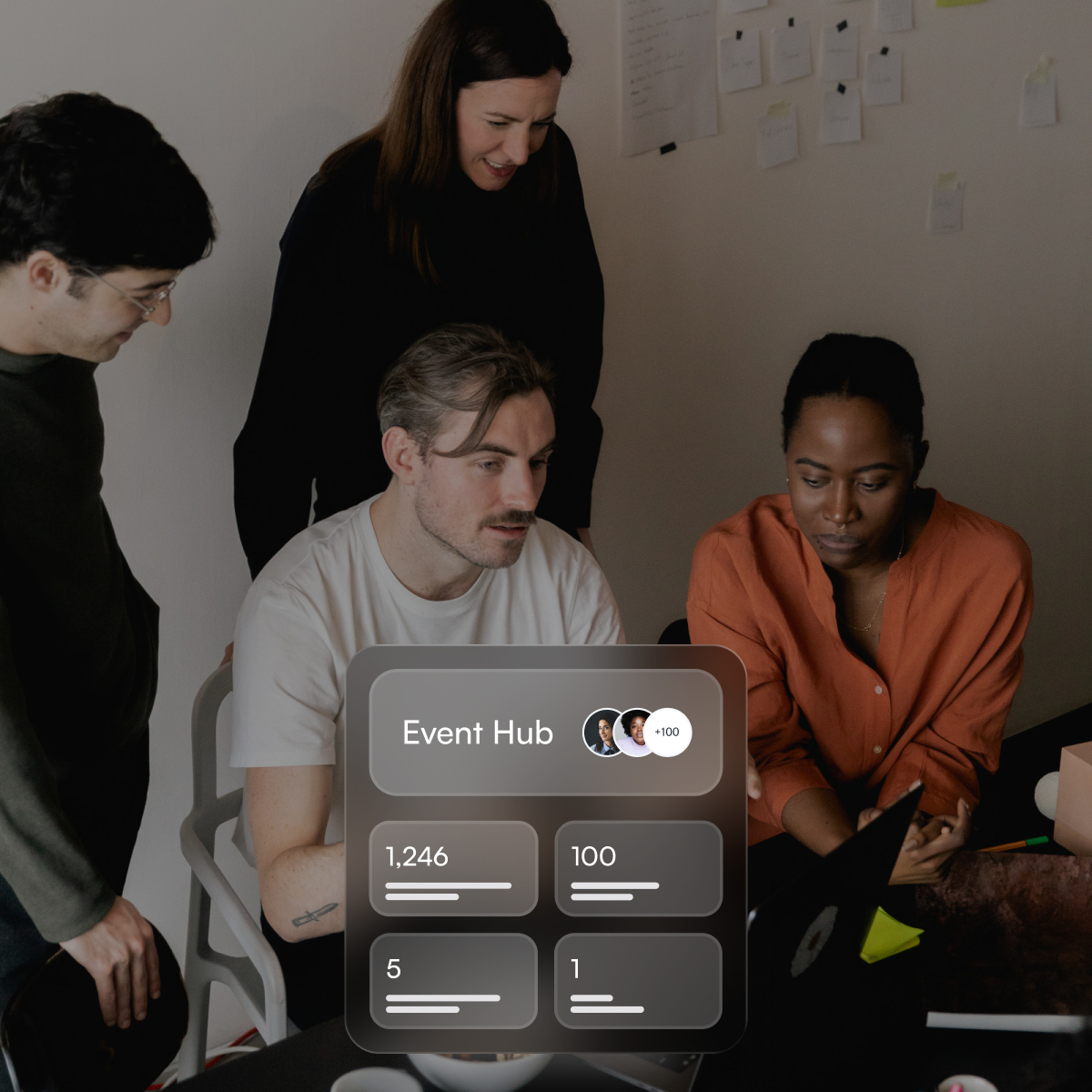
- Company Event Hub: Surfaces all past, live, and upcoming events with metrics including attendees, budgets, destinations, and KPIs, so leadership always has a portfolio view without asking the planner for a report
- Event policy and approvals: Employees submit event requests through a structured workflow with customizable policies and configurable approvers to prevent budget surprises
- AI guest messaging: Automatically answers attendee questions via text and Slack, so the planner is not fielding individual messages across two attendee groups
- Hotel and vendor sourcing: Access to 1M+ vetted vendors with discounts up to 40%, plus automated RFP outreach and follow-up
- Full-service planning option: For high-complexity events, BoomPop Studio provides human event planners integrated directly into the platform
Choose BoomPop when your team runs both internal and customer events regularly and needs one system to manage approvals, sourcing, guest communications, and portfolio reporting without stitching together separate tools.
Cvent
Cvent offers a venue sourcing database with 300,000+ properties, deep Salesforce integration, and enterprise-grade cross-event reporting. It is the only other platform on this list with a built-in venue sourcing and RFP negotiation workflow inside the platform.
Choose Cvent when your organization runs high-volume external conferences with strict procurement and compliance requirements and has dedicated event staff to manage the learning curve. Avoid Cvent when your team is small, your events are primarily internal, or you need a system that planners can navigate under pressure without training.
Bizzabo
Bizzabo is built for B2B marketing teams where conference sponsorship ROI and attendee engagement metrics are the primary accountability, with strong email marketing, branded event websites, and CRM attribution. Users specifically flag that capabilities are there but require very expensive add-ons to unlock, making it hard to deliver a premium experience without escalating costs.
Whova
Whova is a good all-in-one for external conferences where attendee networking and engagement tools, including live polling, Q&A, community boards, and a mobile app, are the priority. It is not purpose-built for internal team events like offsites or SKOs, and users cite limited customization and notification volume as recurring friction points.
Swoogo
Swoogo offers predictable per-user pricing and unlimited events, which fits teams running many internal and external events without per-registrant penalties. If your internal events require a single app that does everything onsite, users cite gaps that force another vendor for badge creation, lead scanning, kiosks, and session ratings.
Splash
Splash handles brand-controlled invitations, RSVPs, email, and analytics well for marketing-led field event series, and aggregates data across events for a holistic view. It is an event marketing platform, not a lodging and venue ops system, so offsites still require separate sourcing, contracting, and rooming.
Eventbrite
Eventbrite offers the fastest self-serve ticketing and RSVP setup, with free publishing for free events and per-ticket fees for paid ones. Review data highlights limitations in RSVP tracking and attendance status, plus limited customization, exactly the friction internal planners hit when they need controlled, private, policy-heavy registration.
ON24
ON24 is strong for webinars and virtual events with engagement instrumentation tied to marketing and sales follow-up. It is not designed to run in-person offsites or SKOs, and if your customer event is an in-person summit, ON24 is only a piece of the stack, not the operating system.
What features should event management software have
When evaluating platforms for both internal and customer events, the feature requirements are broader than a single-event tool. If it needs a workaround to scale, it does not scale.
Portfolio visibility and reporting
A unified dashboard showing all events, past, live, and upcoming, across teams and event types, with metrics like total attendees, budget status, and destinations. Without this, leadership asks the planner for a report every time they want a number, and the planner spends three days pulling data from disconnected systems.
Event requests and approvals
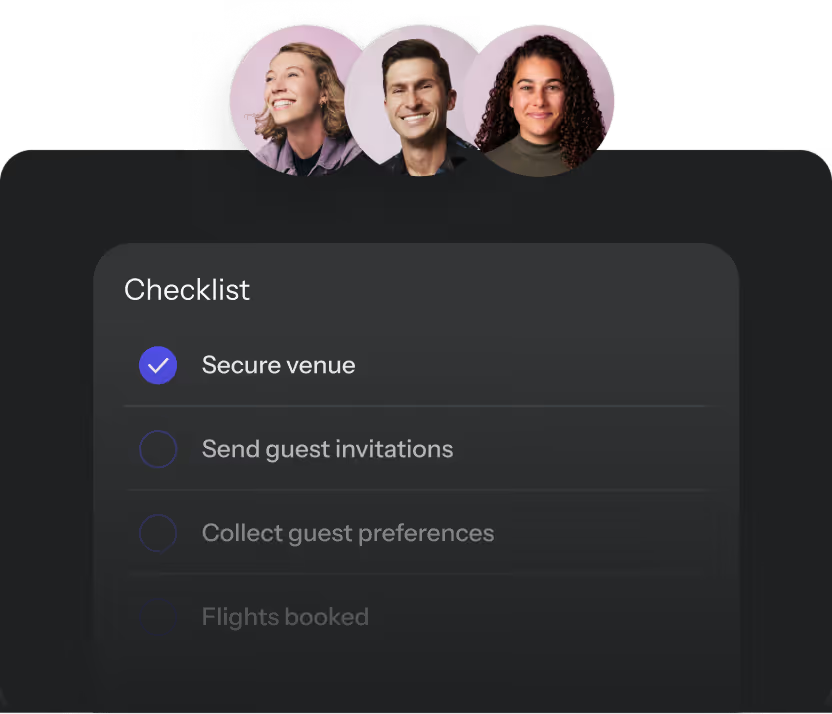
A structured workflow for employees to submit event requests, with customizable policies and configurable approvers. This is what prevents a team from booking a venue outside budget before anyone with authority sees the invoice.
Registration and ticketing
For customer-facing events, the platform needs public or gated registration, multiple ticket types, branded confirmation emails, and waitlist management. For internal events, it needs simpler RSVP flows with dietary preference collection and headcount tracking, without requiring two separate registration tools.
Hotel and vendor sourcing
Sourcing is one of the highest-labor tasks in event planning: emailing venues, waiting for quotes, following up on non-responses. Only Cvent and BoomPop offer venue sourcing and RFP workflow inside the platform; others assume you will source separately, with Bizzabo explicitly recommending a separate venue-sourcing partner. Negotiated rates up to 40% off standard hotel pricing are a concrete cost offset against the platform cost.
AI event support
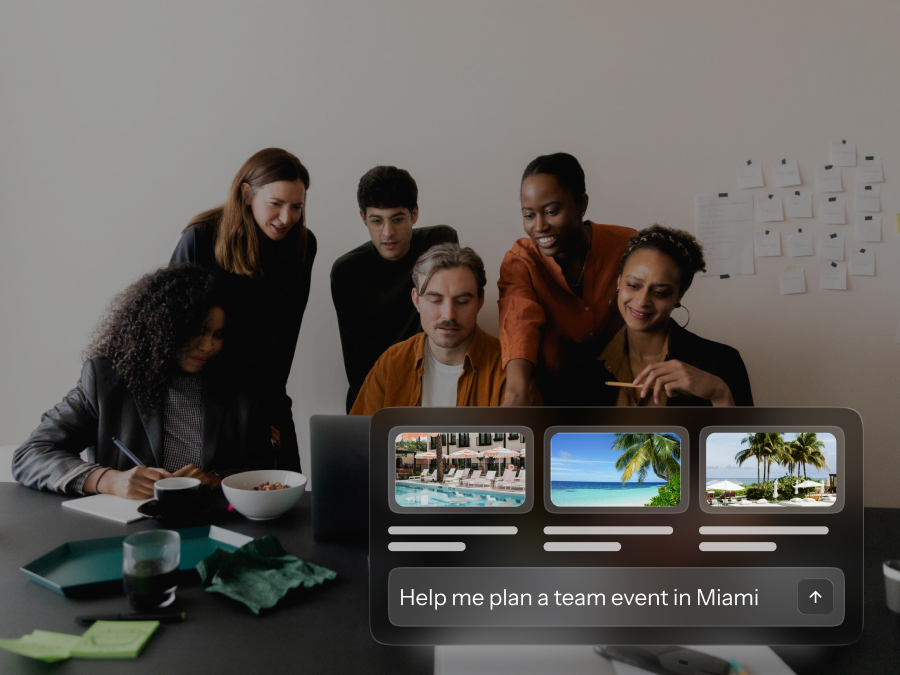
AI in event management should do real operational work: suggesting venues based on group size and budget, updating event details via natural language, and automatically handling guest questions. Most platforms offer AI as a writing assistant for email copy. BoomPop's AI guest messaging automatically answers attendee questions via text and Slack, while Cvent's AI writing assistant generates content and routes SMS through marketplace apps rather than a built-in workflow.
Budget and ROI reporting
Finance will ask "was it worth it?" for both internal and customer events, and the answer needs to come from the platform, not a spreadsheet assembled after the fact. Look for:
- Real-time spend tracking across all vendors
- Cost-per-attendee benchmarking
- Attendee NPS or satisfaction capture
- Exportable reports that speak finance's language
Data security and integrations
For mid-to-large organizations, IT will review the platform before approval. Key capabilities to confirm:
- SOC 2 Type II certification: Standard enterprise security requirement
- SSO compatibility: Must work with your identity provider
- GDPR compliance: Required if any attendees are in the EU
- Native CRM integration: Salesforce or HubSpot sync, not just a Zapier workaround
- Slack or Teams integration: For team coordination and AI guest messaging
How do you choose the right event management platform
The right platform depends on your event mix, team size, and what you need to prove to finance and IT. Run through these checkpoints before signing a contract.
Match the platform to your event mix
External-conference platforms monetize on attendees, tickets, and modules. For an offsite, you have attendees but no ticket revenue, so per-attendee fees feel punitive and per-event pricing compounds fast. If you run both internal and customer events regularly, you need a platform built for both, not a conference tool with a basic internal event workaround.
Compare DIY time to software cost
The objection "we can do this ourselves" compares the visible platform cost against the invisible cost of DIY. A planner spending 15 hours sourcing hotels for a 50-person offsite is doing work that a platform with built-in sourcing and automated RFP outreach eliminates entirely. When those hours are counted, the math on a platform usually changes.
Test the planner experience
Demo the platform with the person who will actually run events in it, not just the buyer. A platform that requires training to navigate under pressure is a platform that will get supplemented by spreadsheets within six months. Cvent users repeatedly cite complexity and steep learning curve as the biggest friction, particularly for smaller or simpler internal events.
Ask IT and finance early
Before shortlisting platforms, confirm:
- SOC 2 and GDPR documentation is available on request
- SSO is compatible with your identity provider
- Contract terms address data ownership and portability
- Implementation timeline is clear, specifically when you can run your first live event after contract signature
When should you add full-service event planning
Software handles the operational layer including logistics, sourcing, approvals, and reporting, but some events need human creative and execution support on top of the platform. Signs that full-service planning makes sense:
- The event is high-stakes: CEO keynote, major client summit, or annual SKO with 300+ attendees
- The internal planner does not have bandwidth to manage execution alongside their day job
- Leadership has said "make it really special" without defining what that means or adding budget
- A vendor has dropped out close to the date and the team needs experienced backup
BoomPop Studio integrates human event planners directly into the platform, so the full-service layer uses the same system, not a separate workflow. This eliminates the handoff friction that happens when a planner brings in outside help and has to re-explain the entire event context because the vendor is working in a different tool.
FAQs
Can one platform handle both customer events and internal events?
Yes. Platforms like BoomPop are built specifically to manage both in a single system, with separate workflows for internal team events and external customer-facing events, while giving leadership a unified view of the full event portfolio.
Do we need separate tools for virtual and in-person events?
Most modern event management platforms support in-person, virtual, and hybrid formats, though ON24 is strongest for virtual events while BoomPop and Cvent are stronger for in-person logistics.
How much does event management software cost?
Pricing ranges from free (Eventbrite for free events) to custom enterprise quotes (Cvent), with models including per-ticket fees, per-user subscriptions, and annual contracts. Eventbrite charges per-ticket fees, Swoogo uses per-user pricing with unlimited events, and BoomPop, Cvent, and Bizzabo use annual subscriptions. The clearest way to evaluate cost is to compare platform pricing against the hours your team currently spends on manual planning and the savings available through negotiated vendor rates.
What should IT review before approving an event management platform?
IT should request the platform's SOC 2 Type II report, GDPR data processing agreement, SSO compatibility documentation, sub-processor list, and breach notification procedures before any contract is signed.
Which metrics prove event ROI to finance?
The clearest metrics are cost-per-attendee benchmarked against comparable events, hours saved on sourcing and logistics, vendor savings from negotiated rates, and attendee NPS. A platform that captures these automatically makes the ROI conversation significantly easier.
Start your event in 2 minutes or less
One system for every event on the calendar, not just the next one. BoomPop gives you portfolio visibility, structured approvals, and AI-powered guest support so you can stop building reports and start running events.
Start planning in 2 minutes or less

.avif)

.svg)