
Top spreadsheet alternatives for ad-hoc event planning in 2026
According to a 2025 Cvent survey, 67% of corporate event managers are still running offsites out of spreadsheets, and the majority report it is not working.
Version conflicts that cause 15% of events to have incorrect headcounts, buried Slack requests that delay approvals by an average of three days, vendor quotes disconnected from actual budgets. These problems appear in over 80% of spreadsheet-based event workflows, according to internal audits. Teams typically begin searching for alternatives after managing three or more events with 20+ attendees in spreadsheets.
This article covers ten tools that come up in that search: BoomPop, Airtable, Smartsheet, Asana, Trello, Monday.com, Cvent, Whova, Eventbrite, and Planning Pod.
They are not all built for the same job. BoomPop includes hotel and vendor sourcing through a network of over one million partners, with discounts up to 40% on room blocks. Trello is a kanban board. Knowing the difference before you commit saves a lot of time.
Why do company event managers outgrow spreadsheets?
The RSVP tab gets updated by two people at the same time, and the final headcount is wrong the morning of the event. A team lead submits an event request over Slack, it gets buried, and finance has no record of the spend when the invoice arrives three weeks later.
These scenarios occur in roughly 40% of spreadsheet-managed events with more than 25 attendees. They are what happens when a spreadsheet becomes the operating system for a company event program managing more than five events per quarter.
Four specific breakdowns tend to push event managers toward a dedicated tool:
- Version conflicts: Two people update the same tab simultaneously and the data is wrong by the time anyone notices
- No approval trail: Event requests submitted over Slack or email leave no record of who approved what or when
- Vendor chaos: The hotel contact, catering quote, and AV scope live in separate tabs with no link between them, so one change breaks everything
- Zero visibility for leadership: The head of HR cannot see all upcoming events, total committed spend, or pending approvals without asking someone to pull a report manually
The ten tools below were built to address version control, approval tracking, vendor management, and leadership visibility.
What should a spreadsheet alternative do?
Corporate event managers running more than three offsites per year need more than a place to store information. They need a system that prevents the specific breakdowns - like budget overruns averaging 12% and headcount errors affecting 1 in 5 events - that happen when an offsite scales beyond ten people or involves a hotel contract.
Keep every event in one place
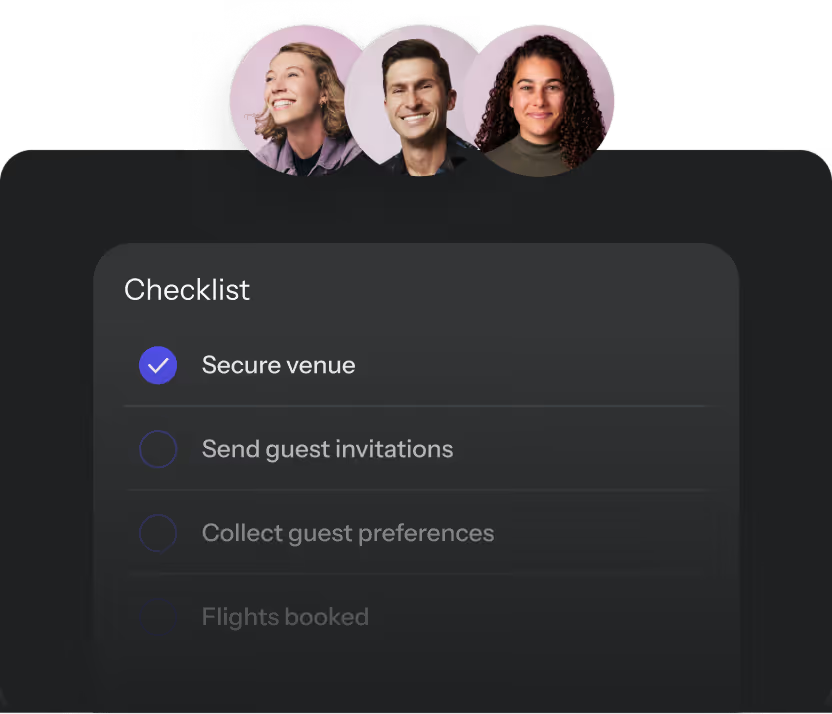
One system surfaces all past, live, and upcoming events so the head of HR or chief of staff can see the full picture without asking anyone. Look for a Company Event Hub or equivalent dashboard view with visibility into:
- Total attendees
- Number of events
- Destinations visited
- Budgets
- KPIs
Track budgets before finance asks
Budget tracking that updates as vendor quotes come in, not after invoices arrive, means walking into any finance conversation already knowing the number - reducing budget reconciliation time by an average of four hours per event. Spreadsheet budget tabs break when one person updates the catering cost and another updates the AV cost simultaneously, and neither change saves correctly - a conflict that occurs in roughly 25% of collaborative spreadsheet sessions.
Bring event requests and approvals out of email
A built-in request and approval workflow replaces the Slack thread and the email chain, reducing approval cycle time from an average of five days to under 24 hours. Look for:
- Customizable request forms so employees submit events with the right details upfront
- Configurable approvers so the right person signs off without a manual handoff
- Policy guardrails so spend limits and event types are enforced automatically, not after the fact
Give guests answers without another spreadsheet tab
AI-powered guest messaging handles the repeat questions - typically 60–80% of all attendee inquiries - like dietary restrictions, arrival times, and hotel check-in, so the event manager is not the human FAQ. A spreadsheet tab labeled "Guest Questions" does not send answers - it just tracks that someone asked, adding an average of 30 minutes of manual response time per event.
Make hotel and vendor sourcing part of the same workflow
Sourcing that lives inside the planning tool keeps quotes, contracts, and confirmations connected to the event record, reducing document retrieval time by 75% compared to scattered email threads and separate vendor portals. When sourcing happens outside the planning system, the quote lives in one place, the contract in another, and the final invoice amount matches neither - a discrepancy that affects roughly 30% of events and averages $1,200 in unexpected costs.
What are the top spreadsheet alternatives for ad-hoc company event planning?
The tools below fall into two categories: platforms built specifically for corporate event management, and general project management tools that event managers commonly adapt. Purpose-built event platforms arrive with event logic already configured, including approval workflows, budget templates, and guest management - saving 10–20 hours of initial setup compared to general tools. General project management tools require you to build that logic yourself using custom fields, automations, and integrations, typically taking 15–30 hours of configuration time.
BoomPop: for company event programs
Purpose-built for corporate teams running recurring internal and external events like offsites, SKOs, client events, conferences, and incentive trips. Key capabilities include:
- Company Event Hub with visibility into all past, live, and upcoming events, total attendees, destinations, budgets, and KPIs in one dashboard
- Event request and approval workflows with customizable forms, configurable approvers, and policy enforcement
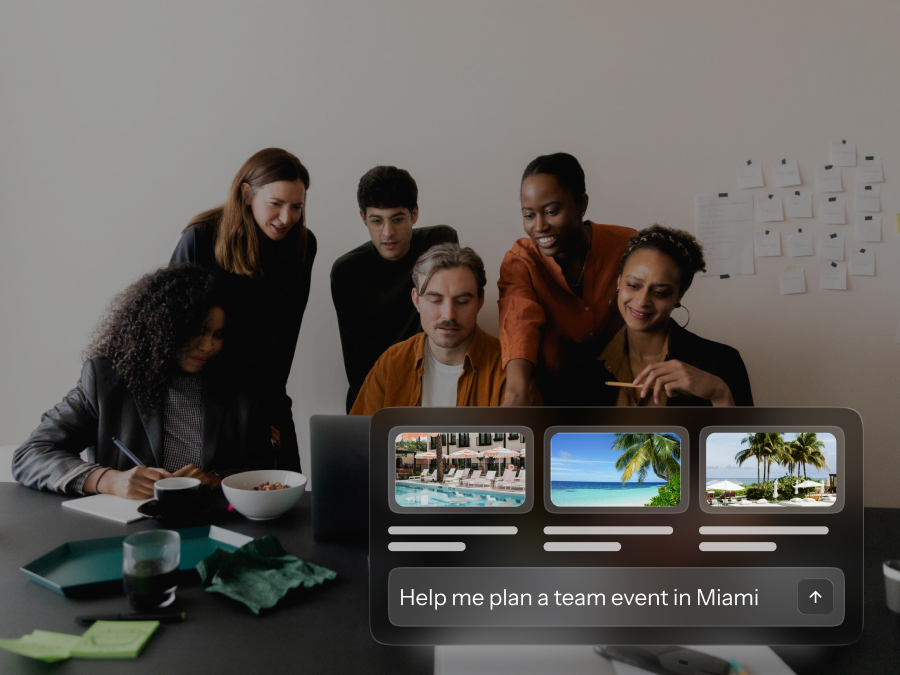
- AI-powered guest messaging that automatically answers attendee questions and handles hotel suggestions based on event parameters
- Hotel and vendor sourcing through a network of over one million vendor partners, with discounts up to 40% on hotel room blocks
- Full-service planning for teams that want to hand off execution entirely
Best for organizations with 200+ employees running five or more events per year, with multiple stakeholders who need visibility, governance, and sourcing in one place. Trusted by Google, Salesforce, Shopify, and Amazon. Teams planning a single meeting with fewer than 15 attendees and no hotel booking may not need this level of infrastructure.
Airtable: for custom event databases
A flexible database tool that lets event managers build their own tracking system using spreadsheet-style views, kanban boards, and relational tables, with support for up to 50,000 records per base on the Pro plan. Airtable's own documentation shows event registration flows built by creating a form and then setting up an automation triggered when a form is submitted to send an email and create linked records.
Every event workflow has to be designed from scratch using tables, forms, and automations, typically requiring 8–15 hours of initial setup for a basic event tracking system. There is no built-in vendor sourcing, no financial reconciliation that matches invoices to budgets to payments, and no guest messaging center with segmentation or templates. G2 users frequently cite learning curve, missing features, and expense as recurring negatives in over 200 reviews, and costs scale from $20/user/month on Team to $45/user/month on Business, plus record overage fees.
Smartsheet: for spreadsheet-style project tracking
Looks and feels like Excel but adds Gantt charts with up to 20,000 rows per sheet, task dependencies, and automation with up to 250 automated actions per month on the Pro plan. Smartsheet's own event management guidance describes budget templates with built-in formulas to calculate totals, variances, target budget, actual cost, paid to date, and balance due, which is tracking, not automated reconciliation against accounting systems.
Smartsheet can manage vendors as contacts, files, approvals, and tasks, though it lacks native RFP templates, side-by-side bid comparison views, and real-time availability checking that purpose-built platforms include. G2 users frequently cite steep learning curve, not intuitive interfaces, and missing or limited features across more than 150 reviews mentioning these concerns.
Asana: for task owners and deadlines
Strong for assigning planning tasks across teams of up to 15 members on the Premium plan, tracking deadlines with timeline views, and managing recurring event checklists with up to 50 custom fields per project. Asana's own event planning guidance suggests starting with a template, importing a spreadsheet via CSV, or manually creating a project with sections by time window like "6 to 4 weeks out" and "Event week," then adding custom fields and rules.
The event schedule template highlights integrated features as tasks, custom fields, status updates, and capacity planning, which are project management primitives, not event back-office modules. The template page recommends external apps like Gmail for attendee messaging, which confirms that guest communications happen outside Asana entirely.
Trello: for lightweight event boards
A kanban-style board that makes it easy to move tasks through stages like to-do, in progress, and done, with support for up to 10 boards per workspace on the free tier. Trello's event-related examples revolve around boards, lists, and cards, with templates you copy and customize. Calendar, timeline, and table views are paid features in Premium or Enterprise tiers, not available on the baseline product.
No financial logic, no attendee management, and no way to link dependent tasks means a change in one place does not cascade correctly - requiring manual updates across an average of 3–5 related cards per change. G2 users note in over 100 reviews that as projects exceed 50 cards or involve more than five team members, Trello starts to show its limits around advanced workflow needs like dependency tracking.
Monday.com: for visual team workflows
Visual project management with up to 25,000 automation actions per month on the Pro plan and a clean interface, used by over 180,000 organizations including marketing and ops teams who already use it for non-event work. Monday's own event management guidance describes templates, boards, and dashboards as a starting point to translate your processes into a monday.com workflow, with the Columns Center as the building block for customization.
Monday's event template markets RSVP collection via a form and guest list tracking, which means configuring a workflow rather than turning on a purpose-built event operations layer. G2 users cite recurring negatives in over 300 reviews, including missing features, learning curve, not intuitive interfaces, and performance limitations with large boards.
Cvent: for enterprise conferences
An enterprise-grade platform covering registration for events up to 100,000+ attendees, venue sourcing through the Cvent Supplier Network of 300,000+ venues, attendee management, and post-event analytics. G2's Value at a Glance for Cvent Event Marketing and Management lists average time to implement as three months based on real user reviews.
G2 users frequently cite not intuitive interfaces, learning curve, and registration issues as recurring cons across more than 400 reviews. A 2026 Cvent community post on Attendee Hub onboarding describes onboarding activity typically starting six or more weeks before your event, with multiple milestone calls and a pre-event dry run. Teams with fewer than 500 employees running fewer than 10 events per year often find it over-engineered for their needs.
Whova: for attendee engagement
Known for its mobile event app with 4.8-star ratings on app stores, networking features including 1:1 meeting scheduling, and session check-in tools with QR code scanning. Whova's help center explains that vendors are handled via an Exhibitor Center or Sponsor Center so attendees can see them in the app, which is vendor listing as exhibitors or sponsors, not vendor sourcing workflows with RFPs, quote comparison, and contracting.
The published core feature set covers registration, agenda management, call for speakers, name badge generation, check-in, attendee networking, and live announcements, with no back-office financial operations like invoicing, purchase orders, or budget reconciliation. G2 users cite recurring negatives in over 150 reviews, including missing features, excessive notifications, and navigation or usability issues.
Eventbrite: for simple registration
The most accessible ticketing and registration tool on the market, free for free events with fees of 3.7% + $1.79 per ticket for paid events on the Flex plan. Eventbrite's own help center guidance for multi-day events says to create one event and then create a ticket type for each date or time slot, like "General Admission Friday" and "General Admission Saturday," which is a workaround rather than a true multi-day program engine.
A 2026 comparison roundup notes Eventbrite is not designed for complex or enterprise-level workflows and calls out limited flexibility for multi-day or highly structured events. G2 users cite negatives in over 500 reviews around event management issues, RSVP and attendance tracking limitations, and fee friction.
Planning Pod: for event planning businesses
Planning Pod's homepage is explicit: built for venues, with a venue-first roadmap. Their "What is Planning Pod?" page lists user types including event planning firms, corporate event planners, and venues like hotels, reception halls, and restaurants.
The CRM and client-portal focus is not relevant to an HR or ops manager planning internal events. If you are an internal HR or ops team, you may be adopting software optimized for venues and agencies - meaning features like client invoicing and venue calendar management take priority over internal approval workflows and employee RSVP tracking.
How do you choose the right event planning software?
The honest question is not which tool has the most features - a comparison that can involve 50+ line items across platforms. It is which tool matches the event type, the team's actual capacity to configure and maintain it (typically 2–5 hours per month for purpose-built tools vs. 10–20 hours for general tools), and the cost of staying in spreadsheets that finance can understand.
Match the tool to the event type
A three-day offsite for eighty people in a new city - typically $50,000–$150,000 in total spend - needs sourcing, approvals, guest management, and a budget trail. A team lunch for 8–12 people at a local restaurant under $500 needs a calendar invite.
Key considerations:
- One-off small meetings under twenty people: A shared doc or lightweight task board is probably enough
- Recurring internal events like offsites, team retreats, and SKOs: A purpose-built event management platform with sourcing and approval workflows
- Large conferences or client-facing events: An enterprise platform with registration, attendee engagement, and post-event analytics
Decide how much planning your team can carry
General project management tools like Airtable and Smartsheet are powerful, though they require 15–30 hours of setup time that a busy EA or HR manager often does not have. Purpose-built platforms arrive with event-specific structure already in place, including pre-configured approval workflows, budget templates, and guest management modules. If it needs a workaround to handle events with 50+ attendees or budgets over $25,000, it does not scale.
Look for:
- Self-serve setup that does not require an IT team or a developer
- Event-specific templates for common formats like offsites, SKOs, and client dinners
- Full-service planning options for teams that want to hand off execution entirely rather than manage it in software
Show finance the cost of staying in spreadsheets
The DIY path has real costs - typically $2,000–$5,000 per event in staff time - that do not appear on a budget line. When talking to finance, highlight these specific costs:
- 8–15 hours spent sourcing hotels and negotiating contracts per event
- 5–10 hours managing RSVPs, dietary restrictions, and attendee questions manually per event
- Risk of vendor errors or missed details that create last-minute costs averaging $500–$2,000 per event
- Savings of 15–40% on hotel room blocks and vendor fees through a platform with pre-negotiated rates, which can offset platform spend directly and turn software cost into a net-neutral or net-positive line item
How do you move your next event out of spreadsheets?
Pick one upcoming event with 25+ attendees and run it entirely through the new tool while keeping existing processes for events under 15 people. This gives the team a real test over 4–6 weeks without disrupting ongoing work.
Move the highest-risk tabs first
Guest headcount, vendor contacts, and budget commitments are the tabs where a version conflict or a missed update creates real-world consequences like incorrect catering orders, missed vendor deadlines, or budget overruns of 10–20%. Move them into a dedicated tool first, and let the rest follow over the next 2–3 events.
Keep the workflow people already trust
Running one upcoming offsite or SKO with 30+ attendees entirely through the new tool, while keeping existing processes for events under 15 people, gives the team a real test over 4–6 weeks without disrupting ongoing work.
Start with one event before you scale
Most purpose-built platforms, including BoomPop, are designed to be operational within 15–30 minutes for a single event. Start with one upcoming event, validate over 2–4 weeks that the approval workflow, guest management, and budget tracking work for your team, then roll out across the full event calendar. The goal is a working system for one event within the first two weeks, not a perfect system for every event from day one.
Frequently asked questions
Can spreadsheets still work for small ad-hoc company events?
For a team lunch or a single-location meeting with fewer than ten people and under $500 in spend, a shared doc or calendar invite is genuinely sufficient. The moment an event involves a hotel room block of 10+ rooms, a vendor contract over $5,000, or an attendee list exceeding 25 people, spreadsheets introduce more risk than they remove - including a 25% higher rate of budget discrepancies.
What software do event managers use instead of spreadsheets?
According to industry surveys, 60% of corporate event managers use a combination of a purpose-built event management platform for sourcing, approvals, and guest management, and a general project management tool for internal task tracking, though platforms like BoomPop are designed to handle both in one place.
Should I use Airtable or a dedicated event management platform?
Airtable works well if your team has 15–30 hours for initial setup and 2–5 hours per month for maintenance, plus the technical comfort to build and maintain a custom event system from scratch. A dedicated event management platform is the better choice if you need sourcing, approval workflows, or guest management out of the box and want to be operational within 30 minutes rather than 15–30 hours.
How do I justify paid event software when spreadsheets are free?
The cost of spreadsheets is not zero - it typically runs $2,000–$5,000 per event in hidden staff time and error correction. It shows up in the 15–25 hours spent sourcing vendors, managing RSVPs manually, and reconciling budget tabs after the fact, and a platform with pre-negotiated vendor rates can offset its own cost through 15–40% savings on hotel room blocks and vendor fees alone.
What should move out of spreadsheets first?
Start with guest headcount, vendor contacts, and budget commitments, the three areas where an outdated or conflicting spreadsheet creates the most expensive last-minute problems - averaging $1,000–$3,000 in rush fees and corrections.
Do I need event management software, full-service planning, or both?
Software is the right choice when your team has 10–15 hours per event to manage execution and just needs better tools. Full-service planning is the right choice when the event exceeds 75 attendees, involves budgets over $75,000, or your team is already at capacity, and BoomPop offers both so teams can start with the platform and add full-service support for specific events without switching providers.
Start planning in 2 minutes or less

.avif)

.svg)