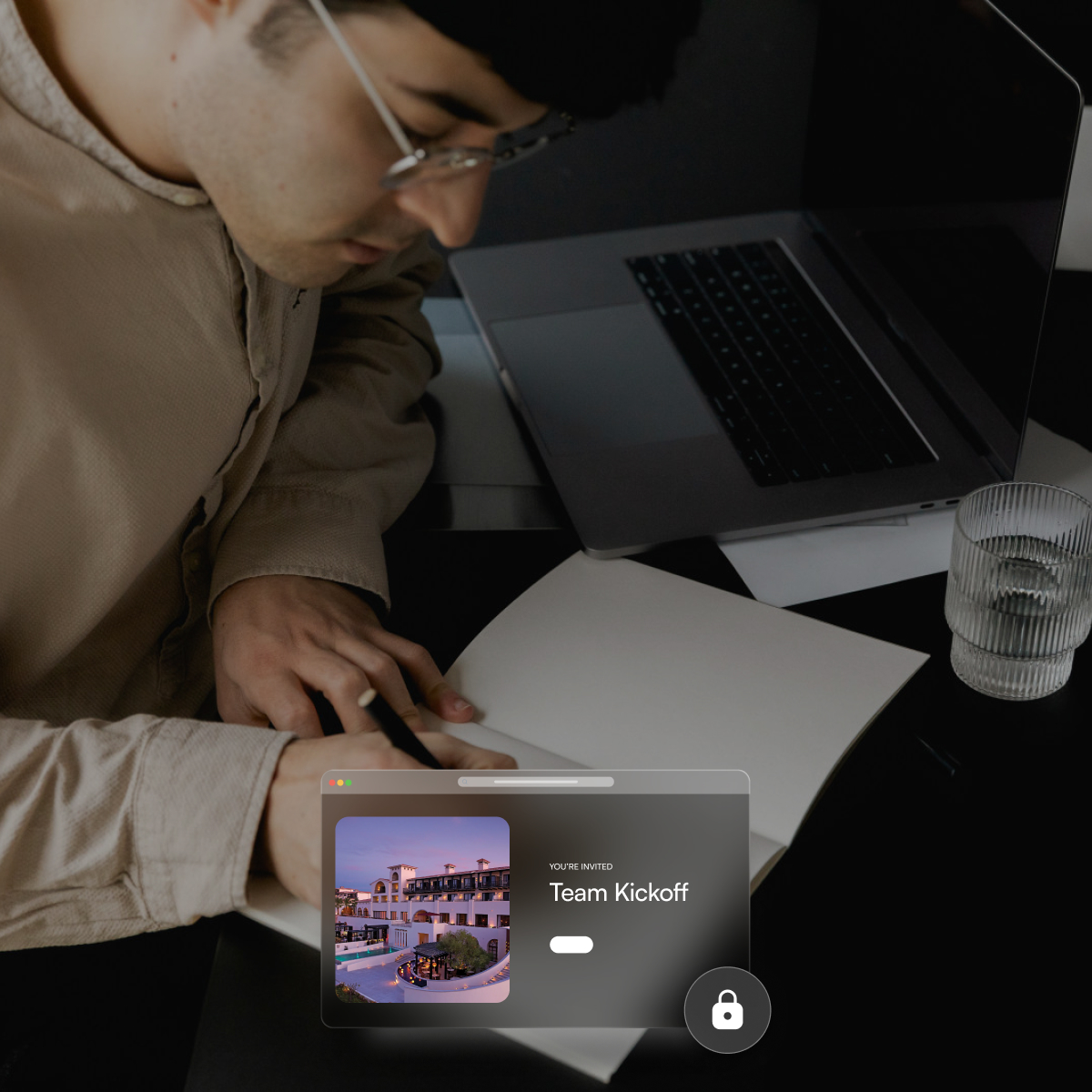
The Best Way to Plan Events (Without Juggling Spreadsheets and Slack)
Your vendor confirmation is in Slack. Your guest list is in a Google Sheet someone updated this morning, maybe. Your budget approval is buried in a reply-all thread from two weeks ago. None of those tools are wrong. They just were never built to own an event.
When did "where's the latest version?" become a full-time job?
The deeper problem: Slack buries decisions in threads that disappear after 90 days on free plans. By the time you need that vendor agreement, it is gone.
This guide breaks down what actually works, from Asana and Eventbrite to all-in-one platforms like BoomPop, Cvent, and Bizzabo, so you can stop stitching tools together and start planning events that actually go well.
Why Spreadsheets, Slack, and Email Break Down for Event Planning
Your vendor confirmation is in Slack. Your guest list is in a Google Sheet someone updated this morning, maybe. Your budget approval is sitting in a reply-all email thread from two weeks ago. None of these tools are wrong. They were just never built to own an event.
Spreadsheets track static data, not live commitments tied to vendor contracts or room blocks. The moment two people edit the same file, you have a version control problem. Slack buries decisions in threads that disappear after 90 days on free plans. Email creates information silos where every stakeholder holds a different version of the truth.
The failure compounds fast. Knowledge workers spend roughly 28% of their workday on email and another 19% searching for information, according to McKinsey research published in 2012 on operations-heavy functions. When event logistics live in fragments across tools, "where's the latest?" stops being an exception and becomes the job. A 2013 audit by Ray Panko of 25 operational spreadsheets found confirmed errors in 88% of files, with the largest single mistake costing $100 million. If your rooming list, food and beverage guarantees, and vendor totals live in "the spreadsheet of truth," the failure mode is not just wasted time. It is expensive mistakes that surface the week of the event.
What Is an Event Planning Tool
An event planning tool is a digital platform that centralizes the logistics, communication, budgeting, and coordination required to plan and execute an event. Unlike general productivity software, event planning platforms are purpose-built for the full event lifecycle, from venue sourcing and guest management through to post-event reporting.
The category exists because events have specific operational needs that spreadsheets and task managers were never designed to handle:
- Room block contracts with attrition clauses: pickup reporting, cutoff dates, and rooming lists that change continuously
- Vendor RFPs: structured requests sent to multiple venues simultaneously, with standardized responses you can compare side by side
- Budget approvals: spend tied to purchase orders and routed to the right stakeholders before commitments are made
- Guest communications: attendee questions answered without flooding a planner's inbox
What Features Should Event Planning Tools Have
The features that matter most are the ones that replace the manual reconciliation work happening in your current stack. A platform that requires you to export data, normalize it in a spreadsheet, and re-import it has not actually solved the problem.
Budget Tracking and Approvals
Budget overages happen because spend is tracked after the fact, not in real time, and because there is no structured approval step between "we need this" and "we committed to this."
Asana and monday.com handle budgets by treating cost lines as custom fields in a task board. You are building a mini-database yourself rather than using a purpose-built accounting workflow. If your finance team needs an audit trail, custom fields in a task manager will not pass the test.
Look for:
- Live expense tracking tied to vendor contracts and purchase orders, so the budget reflects commitments the moment they are made
- Configurable approval workflows so finance sign-off happens before commitments are made, not after someone discovers the overage
- Budget vs. actuals reporting available at any point during planning, not just post-event when it is too late to adjust
Vendor and Hotel Sourcing
Most planners send RFPs one venue at a time via email, wait for proposals to trickle back in different formats, then manually normalize the responses in a spreadsheet to compare pricing and terms. Cvent's Supplier Network supports structured RFP distribution and side-by-side bid comparison. BoomPop includes a built-in sourcing workflow with:
- Access to over 1 million vendor partners
- Pre-negotiated discounts up to 40%
- A compare-and-select interface
Asana and monday.com treat sourcing as a task with file attachments, which means you are still doing the proposal normalization work yourself.
Look for:
- Access to a pre-vetted vendor and hotel network so you are not starting from a Google search every time
- Rate negotiation support or pre-negotiated discounts built into the platform
- RFP tools that send venue requests to multiple properties simultaneously and return standardized responses
Guest Management and Attendee Messaging
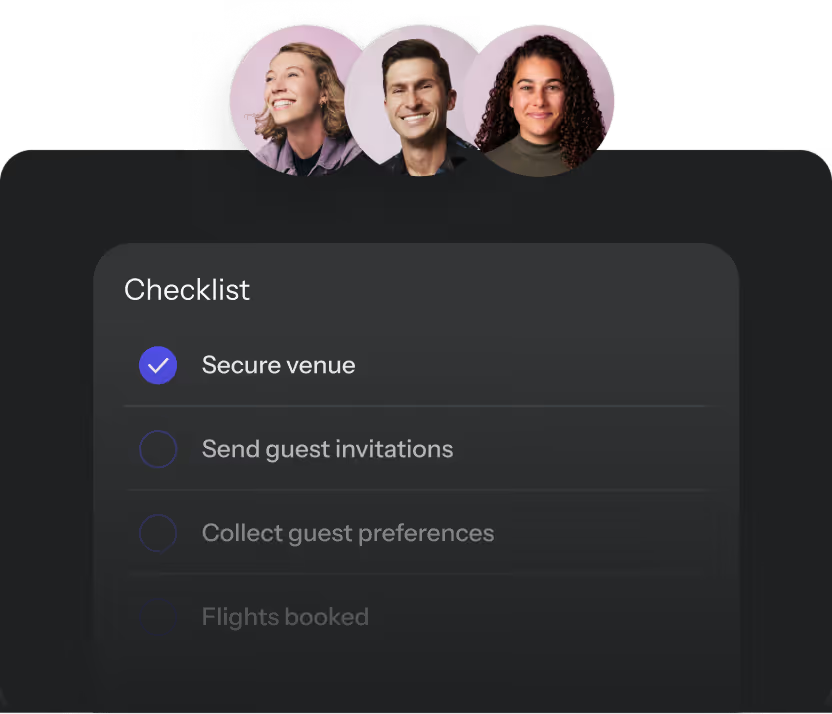
One person has the dietary restrictions. Another has the room assignments. A third is fielding the same travel question in five separate inboxes. A centralized guest management system eliminates the reconciliation work that happens when those three people are not looking at the same data.
Look for:
- Centralized guest list with RSVP tracking, dietary restrictions, and room assignments in one place
- AI-powered attendee messaging that automatically answers common guest questions, freeing the planner from inbox triage
- Itinerary sharing and event website tools that give guests a single source of truth instead of forwarding them the latest email update
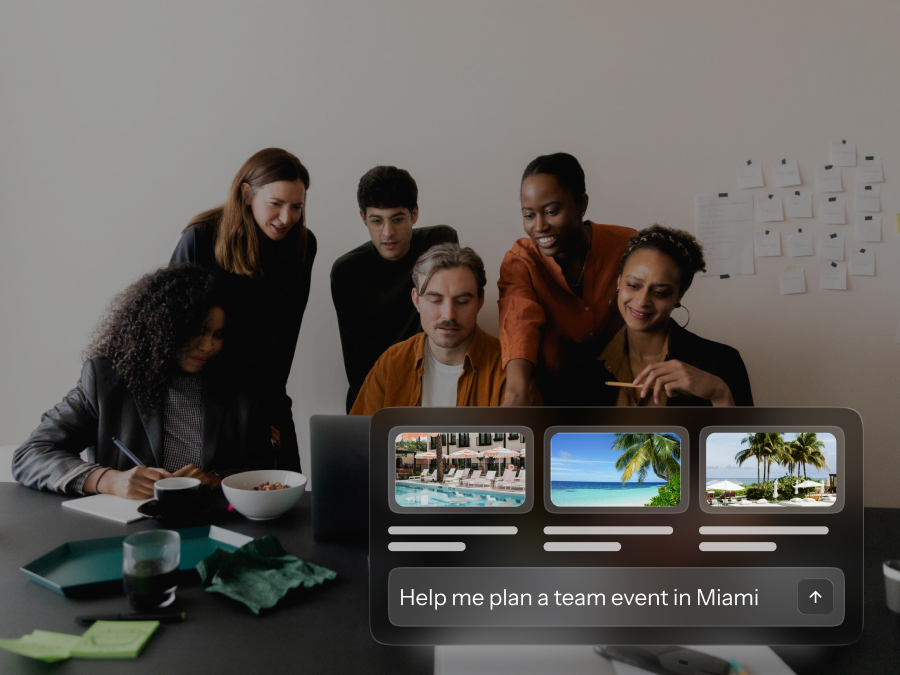
BoomPop's AI Event Assistant handles guest questions via SMS, providing quick answers and itinerary updates without requiring planner intervention. Eventbrite handles registration and check-in well but does not offer back-of-house guest management tools like rooming lists or dietary tracking, which means corporate event planners still need a separate system for operations.
Reporting and Post-Event Insights
Without structured reporting, planners end up manually compiling attendance numbers from check-in sheets, pulling budget data from spreadsheets, and estimating engagement based on anecdotal feedback.
Look for:
- Attendance and engagement metrics captured automatically, not manually entered after the event
- Budget vs. spend summary exportable for finance review, with line-item detail that matches your accounting system
- A company-wide event hub that surfaces metrics across all past, live, and upcoming events, so event programs can be managed as a portfolio rather than a series of one-offs
BoomPop's Event Management Platform includes a Company Event Hub with visibility into total attendees, number of events, destinations visited, budgets, and KPIs across the full event calendar. Asana and monday.com treat reporting as custom dashboards you build yourself, which means data quality depends entirely on how consistently your team logs information.
Which Event Planning Tools Fit Your Event
The right tool depends on your event complexity, team size, and how often you run events. A platform that works for a quarterly all-hands will not necessarily scale to a full SKO with hotel room blocks, vendor contracts, and 200 attendees.
Project Management Tools
Asana, Trello, monday.com, and Basecamp are built for task tracking and team coordination. Asana's event planning template centers on projects, tasks, and custom fields to track budget and vendor information. You are building the event system yourself, not using one.
- Best for: Small, infrequent internal events where the planning team already uses these tools and the event does not involve vendor contracts or hotel logistics
- Not ideal for: Events with hotel room blocks, vendor RFPs, budget approvals, or guest management. There is no native support for any of these, so you are back to spreadsheets and email for actual event operations.
Communication Tools
Slack and Microsoft Teams are real-time communication platforms, not event management systems. A vendor confirmation posted in a Slack channel is not visible to the finance team reviewing the budget. A guest question answered in a DM does not help the next person who asks the same thing.
- Best for: Internal team coordination during the planning process, as a complement to another tool
- Not ideal for: Owning the event. There is no guest management, no budget tracking, no vendor coordination, no post-event reporting, and no way to surface decisions made in threads to people who were not in the conversation.
Registration and Ticketing Tools
Eventbrite handles ticket sales, online registration, and attendee check-in. Its Organizer app supports mobile ticket scanning, check-in, and attendance tracking, with password-protected private listings for internal events. Where it falls down for corporate offsites and SKOs is that internal events are dominated by operations, not ticketing. Eventbrite does not offer native RFP workflows, budget modules, or housing management, so teams end up pairing it with spreadsheets and email for the actual event machine.
- Best for: Public-facing events where ticket sales and attendee sign-up are the primary need
- Not ideal for: Corporate events with hotel room blocks, vendor sourcing, budget approvals, or multi-session agendas
All-in-One Event Management Platforms
Platforms like BoomPop, Cvent, Whova, and Bizzabo combine registration, planning, vendor management, and reporting into a unified system. These are built for the full event lifecycle and are the strongest fit for teams running recurring corporate events.
Cvent offers a Supplier Network with RFP distribution and bid comparison, plus a dedicated budget module with reconciliation settings, though G2 reviews consistently flag a steep learning curve and an overwhelming feature set for new users. Bizzabo focuses on marketing and attendee experience but has faced user complaints about limited customization and confusing processes, with Capterra reviewers noting that changes often require updates in multiple areas, increasing room for errors.
BoomPop is purpose-built for corporate event programs, not just individual events. The platform includes a Company Event Hub, AI-powered attendee messaging via SMS, hotel and vendor sourcing with access to over 1 million partners and discounts up to 40%, and configurable approval workflows. BoomPop serves organizations including Google, Salesforce, Shopify, and Amazon and has hosted over 500,000 attendees since its founding.
- Best for: Mid-size to large organizations running offsites, SKOs, conferences, client events, or incentive trips on a recurring basis
- Not ideal for: One-off small gatherings where the overhead of onboarding a full platform outweighs the benefit
Full-Service Event Planning Partners
Some platforms combine software with human expert planners who handle end-to-end execution, covering venue selection, vendor coordination, on-site logistics, and everything in between. BoomPop offers both a self-serve Event Management Platform and full-service event planning, so the software and the service are not separate decisions. The full-service offering pairs expert human planners with the platform, covering:
- Venue sourcing and rate negotiation
- Vendor and travel coordination
- On-site logistics management
Best for: High-stakes events like executive offsites, annual SKOs, or incentive trips where the internal team needs to focus on content and relationship-building rather than operations
Not ideal for: Teams that want full control and have the internal capacity to manage logistics themselves
How to Choose the Right Event Planning Tool for Your Team
Your event type, team capacity, and event frequency determine which category of tool actually fits. A platform that works for one all-hands per year will not scale to a quarterly offsite calendar plus an annual SKO plus ongoing client events.
Map Your Event Types First
Before evaluating any platform, list the types of events your team runs:
- Offsites
- SKOs
- Client events
- Conferences
- Or a mix of the above
If your event portfolio includes hotel room blocks, vendor contracts, and budget approvals across multiple departments, you need a platform built for that complexity, not a task manager with custom fields.
Compare the Real Cost of DIY
The visible cost of a platform is easy to see on a pricing page. The invisible cost of the spreadsheet-and-Slack stack, in planner hours, vendor surprises, and last-minute firefighting, is not. If a planner spends 40 hours on manual coordination for one offsite and your team runs four offsites per year, that is 160 hours redirected away from strategy and content toward inbox triage. When those hours are made visible, the math on a platform investment changes.
Test Real Workflows Before Committing
Most platforms offer demos or trial access. Walk through key workflows such as:
- A hotel sourcing request
- A guest list update
- A budget approval
- A post-event report
If any of those workflows require exporting data, normalizing it in a spreadsheet, and re-importing it, the platform has not actually solved the problem. If it needs a workaround to scale, it does not scale.
Questions to Ask Any Event Planning Vendor
Before signing with any platform or full-service partner, ask:
- How does your platform handle recurring events across a portfolio, not just a single event?
- What reporting is available to show event spend and attendance across the full year, and can it be exported for finance review?
- How does pricing scale as the number of events or attendees grows, and are there hidden fees for features like budget approvals or vendor sourcing?
- What does onboarding look like, and who supports us after the sale?
- Can your platform support both self-serve planning and full-service execution, or is it one or the other?
The last question matters most if your team's capacity fluctuates. Some events need hands-on execution support while others can be managed internally with software alone. Platforms that offer both options give you more flexibility than those that force you to choose upfront.
Conclusion
Spreadsheets, Slack, and email are not the problem. Using them to run a 200-person SKO with a hotel room block, six vendors, and a finance approval process is the problem. A purpose-built event planning tool centralizes everything the DIY stack fragments:
- Guest data
- Budgets
- Vendor contracts
- Approvals
- Reporting
For teams running complex or recurring events, the investment pays for itself in time saved, vendor savings, and events that actually go well.
Frequently Asked Questions
Can Slack Be Used as an Event Planning Tool?
Slack works well for coordinating your internal planning team in real time, but it lacks key event planning features:
- Guest management
- Budget tracking
- Vendor coordination
- Post-event reporting
It works best as a complement to a dedicated event planning platform rather than a replacement for one.
When Is a Spreadsheet Sufficient for Event Planning?
A spreadsheet can work for small, one-off internal gatherings with a limited guest list and no vendor contracts, but it breaks down quickly once you add:
- Hotel room blocks
- Multi-vendor coordination
- Budget approvals
- More than two people managing the same data
What Is the Best Event Management Platform for Corporate Events?
The best platform depends on the complexity and frequency of your events. All-in-one platforms built for corporate use cases include:
- BoomPop
- Cvent
- Whova
- Bizzabo
These are suited for offsites, SKOs, and client events, while simpler tools like Eventbrite are better suited to ticketed public events.
How Do Event Planning Tools Handle Budget Approvals?
Purpose-built event planning platforms include configurable approval workflows that route budget requests to the right stakeholders before commitments are made, replacing the email chains and manual sign-off processes that cause delays and overages in a DIY stack.
How Do I Migrate Event Planning Out of Email and Spreadsheets?
The most practical approach is to start with your next event rather than trying to migrate historical data. Set up the following in the new platform from the start of that event cycle:
- Guest list
- Budget
- Vendor contacts
Use that event as the proof of concept for your team.
What Is the Difference Between Event Planning Software and Full-Service Event Planning?
Event planning software gives your team the tools to manage logistics independently, while full-service event planning pairs those tools with expert human planners who handle execution - such as venue negotiations, vendor contracts, and on-site coordination - on your behalf. Some platforms, like BoomPop, offer both so teams can choose how much they want to hand off.
Start planning in 2 minutes or less

.avif)

.svg)