What breaks a good event team isn't one brutal week.
You're resilient. You handle that, no sweat.
But the third or fourth event in a quarter with no shared system underneath it?
Brutal.
Every event starts from scratch. Vendor sourcing means reaching out to up to 16 venues at once, each needing follow-ups, contract reviews, and comparison grids before a single invite goes out. Multiply that by four events and the coordination work doesn't just add up - it compounds.
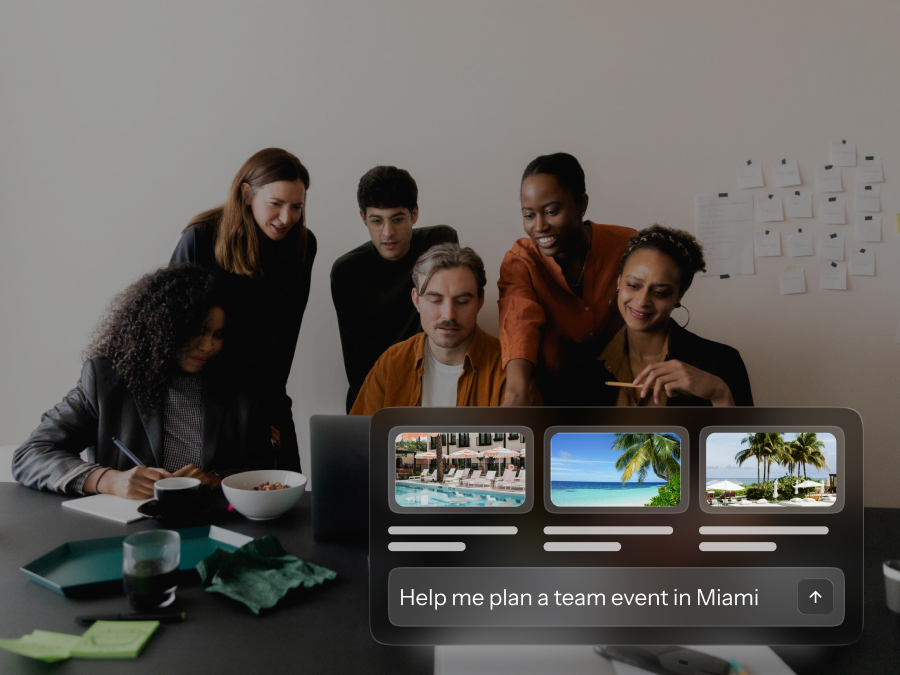
BoomPop's Event Management Platform, Company Event Hub, and BoomPop AI are built for exactly this problem: teams running multiple events per quarter who need the repetitive work handled so they can focus on the parts that actually need their judgment.
This article walks through how to structure a multi-event quarter without burning through your best people by Q3.
Why Running Multiple Events per Quarter Burns Out Good Teams
Most event burnout doesn't come from one hard event. It comes from running three or four events back-to-back with no system holding them together, where every event starts from scratch and the invisible work compounds until someone breaks.
The visible output of a successful event hides the hours of vendor follow-ups, RSVP reconciliation, dietary tracking, and invoice chasing that nobody sees until the person doing it stops answering Slack after 7 PM. Knowledge workers already spend roughly 60% of their time on coordination overhead rather than skilled work, and event planning on top of a full-time job amplifies that tax fast.
What work gets hidden behind a smooth event
The coordination work that makes an event run smoothly is precisely the work nobody notices when it goes right. Vendor sourcing alone can involve engaging up to 16 venues simultaneously through a single RFP, each requiring follow-ups, contract redlines, and comparison grids before a single invitation goes out.
The invisible labor breaks down into a few high-frequency categories:
- Vendor sourcing and follow-up: Repeated cold outreach across multiple events with no shared vendor history or negotiated rates
- Guest communication: Manual RSVP tracking, dietary collection, accessibility requests, and last-minute attendee questions answered one by one
- Budget reconciliation: Cross-referencing invoices, deposits, and actuals across separate spreadsheets with no real-time visibility into spend
- Stakeholder management: Fielding requests from finance, leadership, and department heads simultaneously while keeping three event timelines moving
Seventy-five percent of event organizers still rely on spreadsheets alongside modern platforms. When you're running one event, that's manageable. When you're running three or four, the version-control problem alone can consume hours every week.
What are the early warning signs of event team burnout
Burnout in event teams is chronic overload from repeated planning cycles without recovery, where the work expands to fill nights and weekends because there's no other time to do it. During the month of planning an event, 42% of event professionals report working 15- to 20-hour days, and that workload shape applies just as much to EAs and HR leads planning events on top of their real job.
Early warning signs to watch for include:
- Slower response times and missed follow-ups that used to happen automatically
- Declining quality of event details, including skipped vendor confirmations and last-minute scrambles that didn't used to happen
- Irritability or withdrawal during planning phases, especially when the next event gets mentioned
- Dreading the next event before the current one is finished
Why workload spikes near every event date
Tasks that should be distributed across weeks tend to cluster in the final days before an event. Venue confirmations get pushed to the week before. Dietary restrictions get chased down 48 hours before catering is due. When a team is running three or four events per quarter, these spikes overlap, and the person managing them is constantly in crisis mode.
This is a planning structure problem, not a capacity problem. The solution is upstream, not heroic effort at the end.
How Do You Build a Realistic Quarterly Event Calendar
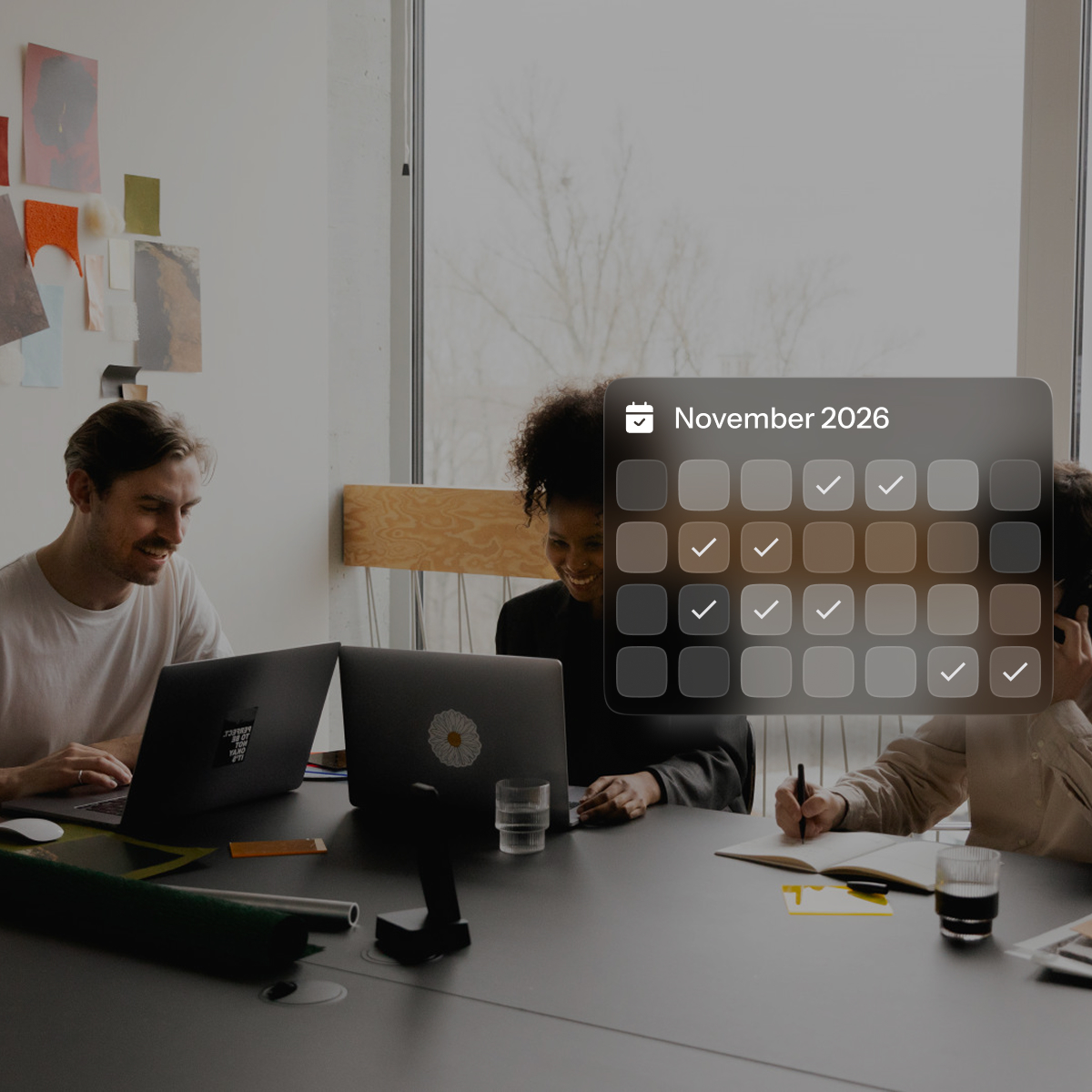
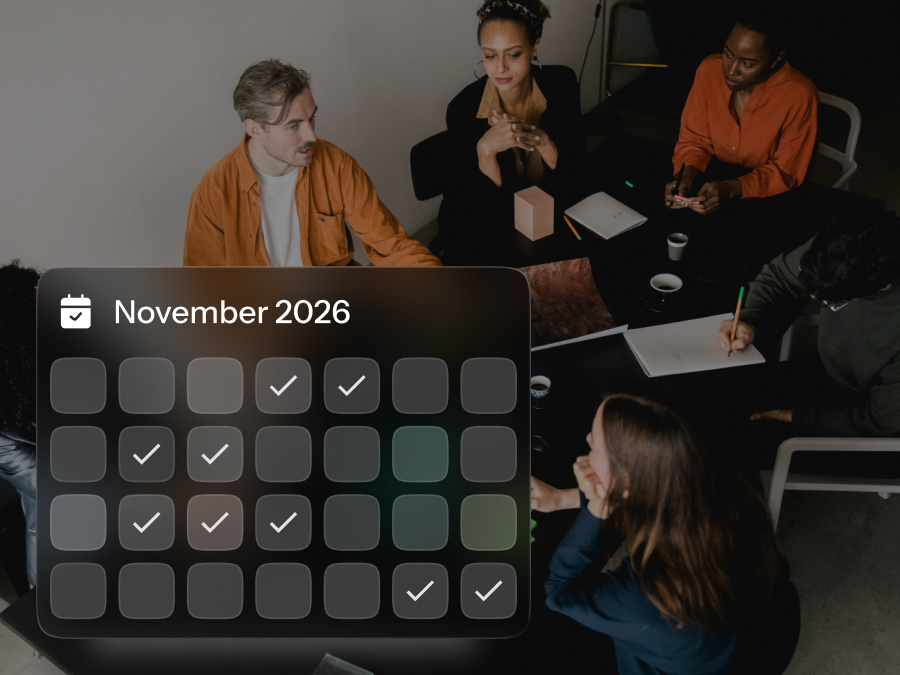
Treating the full quarter as a single program, rather than a series of isolated projects, is what separates teams that sustain a multi-event calendar from teams that burn through their best people by Q3. A shared quarterly view surfaces conflicts, overlap, and resource pressure before they become fires.
How should each event move through the quarter
Each event should have defined stages with milestones spread across the planning window, not compressed into the final two weeks. Phased planning means Event A is in execution while Event B is in sourcing and Event C is still in scoping, so no single week requires the team to do everything for every event at once.
How do event requests and approvals stay under control
Without a formal intake process, anyone in the company can request an event at any time, creating unplanned workload that lands on whoever is already managing the existing events. A lightweight request and approval workflow protects the team's bandwidth before a single planning hour is spent.
The intake form should capture:
- Event type and expected attendee count
- Preferred dates and budget estimate
- Business justification and requesting team
The approver, usually HR, finance, or ops leadership, reviews the request against the existing event calendar and available budget before it becomes a commitment. This prevents the scenario where someone promises an offsite in six weeks without checking whether the team has the capacity to deliver it.
BoomPop's Event Management Platform includes a policy and approvals workflow with customizable request forms and configurable approvers, so the intake process lives in the system rather than in email threads and verbal commitments.
How can one event hub keep every event visible
A centralized Company Event Hub surfaces all past, live, and upcoming events alongside metrics like total attendees, budgets, and KPIs, which eliminates the coordination overhead of tracking multiple events across separate spreadsheets or email threads.
Sixty-four percent of organizations use separate platforms for in-person versus virtual events, which means most teams are reconciling data across siloed systems after every event. A unified hub removes that reconciliation work and gives leadership real-time visibility into the full event portfolio without asking the planning team to compile a status report manually.
BoomPop's Event Management Platform provides a Company Event Hub that consolidates all event data, past, live, and upcoming, with visibility into attendees, destinations, budgets, and performance metrics in a single dashboard.
How Should You Split Event Work Across the Team
Unclear ownership is one of the fastest routes to burnout. Either one person absorbs everything, or tasks fall through the gaps because everyone assumed someone else had it.
Who owns each event workstream
The concept of a Directly Responsible Individual (DRI) means one person is accountable for each workstream, not a committee. Committees diffuse responsibility; DRIs concentrate it. When something goes wrong or needs a decision, there's no ambiguity about who owns the fix.
A typical split across a small corporate event team:
- Venue and vendor sourcing: One owner manages all outreach, RFPs, contract review, and rate negotiation
- Guest management: One owner handles invitations, RSVPs, dietary collection, accessibility requests, and attendee communications
- Budget tracking: One owner reconciles actuals against the approved budget throughout the planning cycle, not just at the end
- Logistics and run-of-show: One owner owns the day-of timeline, vendor arrival windows, onsite coordination, and troubleshooting
- Stakeholder communication: One owner manages updates to leadership, finance, and department heads so the rest of the team can focus on execution
This structure doesn't mean one person does all the work in their workstream. It means they're the single point of accountability.
What weekly planning rhythm keeps work moving
One consolidated to-do list covering all active events, reviewed at the start of each week, keeps work moving without the cognitive drain of switching between individual event timelines. The weekly review should answer three questions: What's due this week across all events? What's at risk of slipping? What decisions need to be made before next week?
This takes 15 to 30 minutes and prevents the scenario where an event deadline sneaks up because everyone was focused on a different event.
Who steps in when the owner is unavailable
Every critical workstream should have a named backup, someone who knows enough about the task to continue if the primary owner is pulled away by an onsite issue, a competing priority, or an emergency. The backup doesn't need to be an expert. They need to know where the files are, who the key vendors are, and what the next three steps are if the primary owner is unreachable.
That level of knowledge transfer takes 10 minutes per workstream and eliminates the risk that an event grinds to a halt because one person is out sick.
How Can You Cut Manual Work Without Losing Control
The goal of automation and centralization is to remove the repetitive, low-judgment work that consumes planning hours and leaves no bandwidth for the decisions that actually require human attention. Cold vendor outreach, RSVP reconciliation, invoice matching, and guest FAQ responses can all be systematized without losing control of the event itself.
What should a corporate event management platform centralize
Corporate event management platforms are software designed specifically to manage recurring internal and external corporate events, distinct from general ticketing or consumer event tools. The difference is focus: corporate platforms are built for the workflows that HR, ops, and EA teams actually run, including offsites, SKOs, client events, and leadership retreats.
Key capabilities include:
- Centralized event calendar: All events visible in one dashboard with status, budget, and attendee counts
- Guest management: Invitations, RSVPs, dietary restrictions, and attendee data in one place across all events
- Budget tracking: Real-time spend against approved budgets with automated alerts when thresholds are approaching
- Vendor and hotel sourcing: Integrated sourcing tools with pre-negotiated rates rather than cold outreach to 16 venues per event
- Reporting and KPIs: Post-event data captured automatically, not assembled manually after the fact
BoomPop's Event Management Platform consolidates all of these capabilities in a single system, including a Company Event Hub, guest management, hotel and vendor sourcing with discounts up to 40%, and AI-powered guest messaging that automatically answers attendee questions.
Which event tasks should you automate first
Start with the tasks that are high-frequency, low-judgment, and currently eating the most time. These are the tasks where the decision is already made and the work is just execution.
Tasks to prioritize for automation include:
- Attendee communications: Automated confirmations, reminders, and FAQ responses rather than manual replies to every guest question about parking, dress code, or dietary options
- RSVP and dietary tracking: Form-based collection that feeds directly into a guest list, not a spreadsheet maintained by hand
- Budget alerts: Automated flags when spend approaches thresholds, not manual invoice reconciliation at the end when it's too late to adjust
- Vendor RFP distribution: Templated outreach sent to multiple vendors simultaneously rather than individual emails written from scratch for each event
BoomPop AI includes always-on guest messaging that automatically answers attendee questions, removing the need to respond to the same questions across multiple events.
How can vendor sourcing save planning hours
Hotel and vendor sourcing is one of the most time-consuming parts of event planning, especially when repeated across multiple events per quarter. Planners engage with up to 16 venues simultaneously through a single RFP, and 60% of venue sourcing happens within six months of the event, which compresses timelines and pushes more work into evenings and weekends.
Structured sourcing approaches save 10% to 30% of sourcing time, and average group-rate savings land in the 20% to 25% range compared to individual online rates, with deeper discounts possible depending on volume and timing.
BoomPop's hotel and vendor sourcing capability includes access to 1 million-plus vendor partners and discounts up to 40% on hotel room blocks, which compresses the sourcing workload and delivers measurable rate savings that offset platform cost in budget conversations.
How Do You Protect Recovery Time Between Events
Recovery is a structural requirement for sustaining a multi-event program. Burnout in event teams almost never comes from one hard event; it comes from moving directly from one event into the next without any reset.
What should every post-event debrief capture
A lightweight post-event debrief within 48 hours of each event, short enough to actually happen and structured enough to be useful, protects future events from repeating the same mistakes and gives the team a moment of closure before the next planning cycle begins.
Key items to document in the debrief include:
- What worked: Vendors, formats, venues, and logistics worth repeating or templating
- What failed: Surprises, gaps, or vendor issues to flag before the next event
- Time spent: An honest accounting of planning hours so future events can be scoped accurately
- Attendee feedback: Key themes from surveys or informal feedback that inform the next event
How much buffer should teams get after each event
A cooldown period is a defined window between event wrap-up and the start of active planning for the next event. Even 2-3 days of lower-intensity work, including admin, reporting, and inbox catch-up, before the next event enters production can reduce cumulative fatigue and prevent the burnout that leads to turnover.
The buffer should be built into the quarterly calendar at the scoping stage, not found after the fact when everyone is already exhausted.
How can recognition keep event teams energized
The work that goes into a smooth event is precisely the work nobody notices when it goes right. Small, consistent recognition - a team shoutout after a successful event, a note from leadership, or acknowledgment of specific contributions in a weekly standup - counters the feeling that the work only gets noticed when something goes wrong.
This is a manager behavior - a quick Slack message or 30-second mention in a team meeting - not a formal program. It takes under a minute per event and builds cumulative goodwill across a 12-week quarter.
When Should You Bring In Event Planning Support
Most teams running multiple events per quarter benefit from a hybrid model where internal bandwidth is focused on the decisions only they can make, and external support handles execution. The question is where to draw the line.
What should stay internal and what should move off your plate
Internal ownership makes sense for company culture and tone, stakeholder relationships, budget approval, and final sign-off on creative direction. External support is most valuable for venue sourcing, vendor coordination, logistics management, onsite execution, and attendee communications.
The goal is not to hand off the entire event to an external partner. It's to hand off the parts that consume the most time and require the least company-specific knowledge, so the internal team can focus on the decisions that actually need their judgment.
Which events usually need full-service planning
Smaller internal gatherings, including team lunches and all-hands meetings, can typically be managed with 5-10 hours of internal effort per event. Higher-stakes events involve multi-day logistics, travel coordination, vendor management, and leadership visibility that make full-service support worth the investment.
Higher-stakes events that typically benefit from full-service support:
- Offsites and retreats: Multi-day gatherings with lodging, meals, activities, and travel coordination for distributed teams
- Sales kickoffs (SKOs): Annual or semi-annual events with high-energy agendas, keynote speakers, and team-building experiences that set the tone for the year
- Client events: External-facing gatherings where execution quality reflects directly on the company's brand and relationships
- Leadership retreats: Small, high-touch events where logistics need to be invisible so leadership can focus on strategy
BoomPop's full-service offerings, including Offsites and Retreats, SKOs, client events, and conferences, are designed for these event types, where end-to-end planning support pays off in reduced internal workload and lower execution risk.
How do you make the case for more event support
The conversation with finance needs to frame the visible cost of a platform or partner against the invisible cost of DIY, including hours spent sourcing hotels, negotiating contracts, managing RSVPs, and chasing vendor confirmations. Executive assistants have a median salary of $74,260, and HR managers have a median salary of $140,030, with benefits adding roughly 31% to total compensation on top of that.
If an EA is spending 20 hours per event on sourcing and coordination across three events per quarter, that's 60 hours of high-skill labor that could be redirected to higher-value work. Vendor discounts, such as BoomPop's up to 40% savings on hotel room blocks, can offset platform cost in budget conversations and shift the framing from "this is an expense" to "this is a trade."
Conclusion
Running multiple events per quarter without burning out the team is a systems problem, not a willpower problem. The fix is upstream: a shared quarterly calendar covering all 12 weeks, clear DRI ownership for each of the 4-5 core workstreams, automation of repetitive tasks like RSVP tracking and vendor outreach, and 2-3 days of recovery time built into the planning cycle after each event. When the structure is right, the team can redirect the 60% of time typically spent on coordination overhead toward the strategic decisions that actually require their judgment.
FAQ
How do you manage multiple events at once?
Managing multiple concurrent events requires a centralized calendar, phased planning timelines for each event, and clear ownership of each workstream, so no single person is absorbing all the coordination across every event simultaneously.
How many events can one corporate event planner manage per quarter?
The answer depends on event complexity and available tools. A planner using a centralized event management platform with automation can realistically manage 2-3x more events than one working from spreadsheets and manual outreach, because the platform absorbs the repetitive coordination work that otherwise consumes 10-15 hours per event.
What is event planning workload management?
Event planning workload management is the practice of distributing planning tasks across a team and timeline in a way that prevents any single person or phase from absorbing a disproportionate share of the work, which is the operational discipline that makes a multi-event program sustainable.
How can event teams prevent burnout during busy quarters?
Preventing burnout during high-volume quarters requires tasks distributed across the full planning window rather than compressed near event dates, clear ownership so nothing falls through gaps, and structured recovery time between events.
When should a company outsource corporate event management?
Outsourcing makes the most sense for high-stakes events where logistics complexity is high and internal bandwidth is low, including offsites, SKOs, and client events where a misstep reflects on leadership and where the cost of a partner is offset by vendor savings and recovered planning hours.
What should a corporate event management platform include?
A purpose-built corporate event management platform should include a centralized event calendar, guest management, budget tracking, vendor sourcing, and post-event reporting, all in one system, so the team is not reconciling data across disconnected tools after every event.
How often should event teams meet during active planning?
A brief weekly check-in covering all active events is more effective than separate status meetings for each event, reducing meeting overhead, surfacing cross-event conflicts early, and keeping the full team oriented on what needs to happen in the coming week.
Start planning in 2 minutes or less
.avif)

.svg)