What would it take for any team in your company to plan an event without looping in a planner for every detail?
Right now, most companies don't have a good answer. A manager wants to book a team dinner, asks around, gets three different responses, and the whole thing turns into a project. GBTA research found that 53% of small meetings under 25 attendees are planned completely outside any managed program.
An approved event options list changes that by reducing request-to-approval time and eliminating redundant planner inquiries. It gives every team a pre-built menu of vetted event types that already fit your budget rules and company policy, so teams aren't starting from scratch and planners aren't fielding the same questions on repeat.
This guide covers how to build that list, structure an approval workflow around it, and keep it current using BoomPop's Event Management Platform and Company Event Hub.
What is an approved event options list
Most companies treat event planning as a one-off problem. A team lead sends a Slack message, someone forwards a venue suggestion, and three weeks later nobody can find the contract. An approved event options list fixes this by giving every team a pre-built menu of vetted event types, such as offsites, team dinners, SKOs, and volunteer days, that already comply with budget rules, vendor standards, and company policy.
The list is different from a general event policy: while a policy might state 'team events must stay under $100 per person,' the approved list specifies which exact event types - team dinners, offsites, hackathons - meet that rule. The policy sets the rules. The approved list is the specific, curated menu of event types that already comply with those rules, so teams are not interpreting policy from scratch every time they want to gather.
Unmanaged event requests create measurable cost. APQC benchmarking data shows unmanaged spend runs at a median of 1.6% of total spend across procurement categories, and The Hackett Group estimates maverick spend can cost up to 2% of all indirect spending. Small meetings under 25 attendees are the biggest blind spot: GBTA research found 53% of these events are planned outside a managed program, with no formal policies, KPIs, or dedicated technology.
How do you match event options to teams
Your Sales team needs competitive energy - events like SKOs with leaderboard reveals or incentive trips tied to quota attainment. Your Engineering team wants low-pressure connection - casual team dinners or hackathons without formal presentations. Your HR team is trying to build culture across a distributed workforce through all-hands meetings, onboarding cohort events, and annual culture retreats. Matching options to team goals before the list is published can reduce planner back-and-forth by 2–3 email exchanges per request and prevents teams from requesting events that do not serve their actual needs.
Map options to team goals
Tag each event option with a team type and a goal. Common goals include:
- Team bonding
- Skill building
- Client entertainment
- Employee recognition
Common team types and their most natural event fits:
- Sales: SKOs, incentive trips, client events
- Engineering/Product: Team dinners, offsites, hackathons
- HR/People Ops: All-hands, culture retreats, onboarding events
- Marketing: Client events, conferences, brand activations
- Leadership/Executive: Strategy offsites, board retreats
Set size and format rules
A team dinner works for 12 people but breaks down at 75. A multi-day offsite requires meeting space and overnight accommodations that a casual happy hour does not. Group options by headcount range and note format compatibility. Recommended headcount bands:
- Under 20 attendees
- 20 to 75 attendees
- 75 and above
Format options:
- In-person only
- Hybrid
- Virtual only
Add accessibility and dietary rules
A brewery tour may be a poor fit for a team with multiple non-drinkers. A venue without elevator access excludes team members with mobility needs. Flag each approved option with accessibility notes so teams can filter appropriately without starting a new approval conversation. Example flags include:
- Requires mobility access
- Alcohol-free option available
- Dietary restrictions accommodated
Create budget bands
Each team's approved list should have a corresponding per-head budget band so employees know which tier they are requesting before they submit. Standard bands include:
- Low
- Mid
- High
A low-band team dinner might run $40 per person, a mid-band offsite might run $150 per person, and a high-band incentive trip might run $800 per person.
Budget bands also make approval routing simpler:
- Low-band requests from a pre-approved category may auto-approve with only a manager's sign-off
- High-band requests route to finance or a central events owner
BoomPop's Event Management Platform supports configurable budget thresholds and approval routing, so the workflow runs automatically rather than through email threads.
What should each approved event option include
Each entry on your approved list should answer the questions a team lead would ask before submitting a request. Without these details, teams default to asking the planner directly, which defeats the purpose of a pre-approved menu.
Name the best-fit team and goal
A sales team looking for competitive motivation should not select a culture retreat designed for onboarding new hires. Tagging each option with a team type and a goal prevents requesters from choosing an event that does not match their actual need, and it cuts the back-and-forth that slows down approval.
Add budget range and lead time
Lead time varies significantly by event type: a team dinner might need one week, while a multi-day offsite might need 8 to 12 weeks. Global DMC Partners' Q3 2024 survey of 165 event planners found that 43% reported having 4 to 9 months to plan events on average, while 9% reported less than 3 months. Without published lead times, teams submit requests with unrealistic timelines, forcing planners to either scramble or say no.
List vendor and venue requirements
Venues consume 25 to 30% of event budgets, making sourcing a material cost lever rather than just a task list item. Vendor requirements can be as simple as "hotel with meeting space and F&B minimum under $5,000" or as specific as a named preferred vendor list. BoomPop's platform includes a network of over 1 million vendor partners with pre-negotiated rates, which planners can reference when building their approved vendor shortlists.
Add request and attendee questions
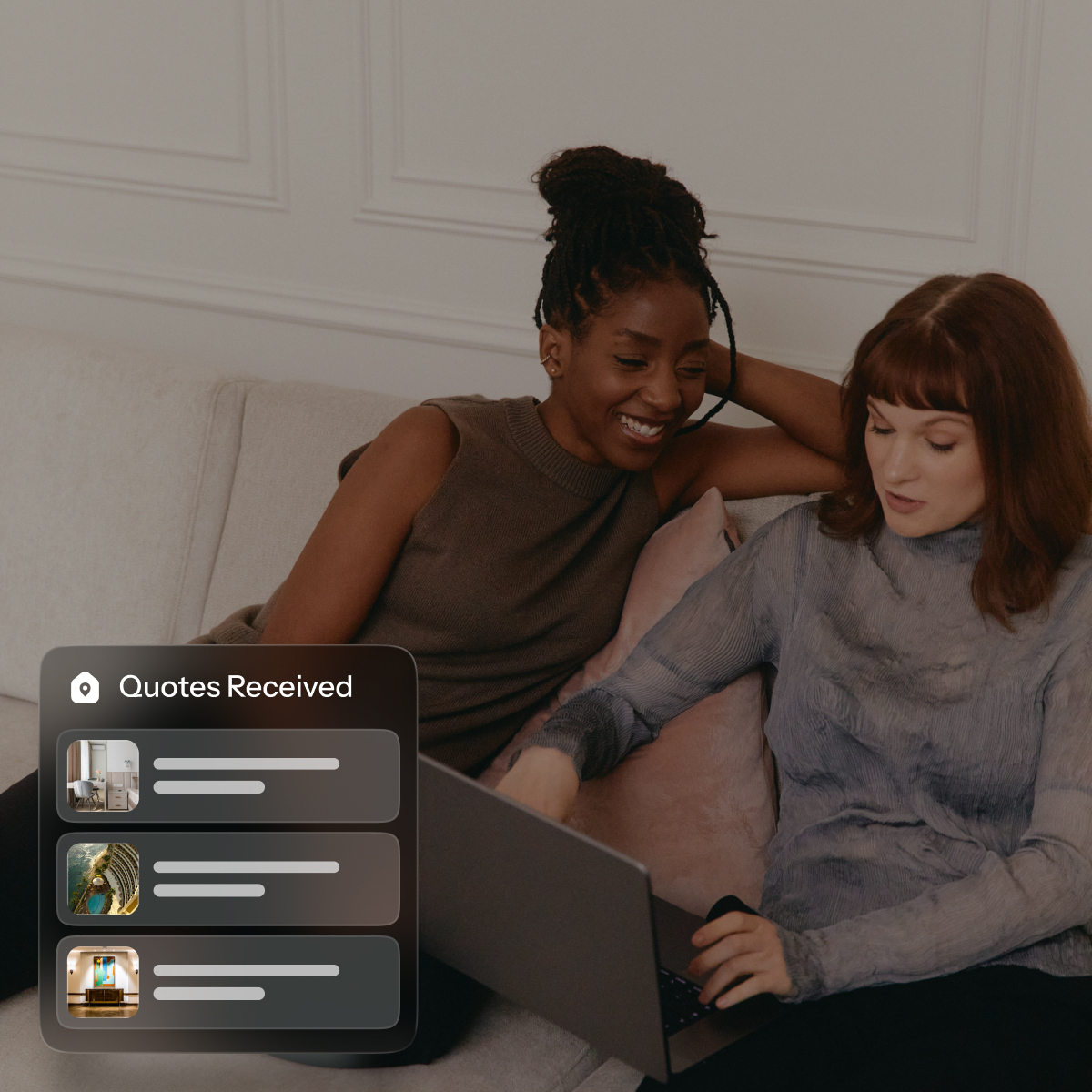
Cvent's benchmark data found that 60% of respondents still heavily rely on manual spreadsheets, emails, and non-integrated systems for event planning. Manual tooling creates administrative drag because planners spend time chasing missing details instead of executing. A standardized request form tied to each event type, rather than a free-text email, solves this. BoomPop's Event Management Platform includes customizable request forms and policy fields configurable per event type.
Choose success metrics
Pre-defined success metrics, such as attendee NPS, budget adherence, or a stated goal like "team alignment survey score improved by 10%," give planners and leadership a shared definition of success. Consistent metrics across events make it possible to retire options that consistently underperform and to report on program value to finance without rebuilding the analysis from scratch each time.
How do you create an event approval workflow
Without a defined workflow, teams bypass the approved list and default to informal asks, which reintroduces the same unmanaged spend - potentially 1.6% to 2% of indirect spending - and compliance risk the list was designed to eliminate. The workflow is the process layer that governs how requests get submitted, reviewed, and approved.
Create one request path
When requests arrive via Slack, email, and hallway conversations, multiple problems emerge:
- Planners lose visibility into demand
- Finance cannot forecast spend
- Teams experience inconsistent turnaround times depending on who they asked and when
All event requests, regardless of team, should flow through a single submission path. Acceptable options include:
- A standardized form
- A dedicated platform
- A shared inbox
The request form should surface the approved options list so requesters are choosing from pre-vetted options, not inventing new ones.
Set policy rules
Policy rules should be visible to all employees before they submit. Key areas to cover include:
- What is and is not approved
- Budget limits by team or seniority level
- Blackout dates
- Required lead times
Common policy rules to include:
- Budget cap by team size: Per-head spend limits by headcount band
- Lead time minimums: Minimum notice required by event type
- Approved event categories: Which event types are on the list and which are not
- Alcohol and dietary policy: What is and is not covered
- Attendance requirements: Whether events are optional or mandatory and how that affects budget
Route approvals by spend and team
Not every event request needs the same approver. APQC benchmarking data shows the median cycle time to issue a purchase order is 2.0 days, and Procurify's 2026 benchmark report states that median requisition-to-PO cycle time is 55 hours. Event approvals should aim for similar speed, which requires routing by spend level rather than sending everything to the same inbox.
A simple tiered routing structure:
- Tier 1 (low spend, approved category): Manager approval only
- Tier 2 (mid spend or new vendor): Manager plus HR or Events lead
- Tier 3 (high spend, offsite, or exception): Manager plus Finance plus Events lead
BoomPop's Event Management Platform supports configurable approver routing with policy-based rules, so the workflow runs automatically rather than through manual email chains.
Define the exception path
Teams will occasionally request events that fall outside the approved list. Without a defined exception path, they default to asking the planner directly, which bypasses the approval workflow and reintroduces unmanaged spend. Exception requests should require the following:
- Written justification
- A named approver
- A documented turnaround time
This ensures teams are not left waiting.
How do you keep the list useful
The approved list is not a one-time document - it should be reviewed quarterly or after every 10–15 events to stay current. Without quarterly reviews, it drifts out of sync with what teams actually need - for example, budget bands set in 2023 may no longer reflect 2024 venue pricing increases of 10–15%.
Review event data
BoomPop's Company Event Hub surfaces metrics like total attendees, budgets, and KPIs across all past events. Instead of relying on planner memory or scattered spreadsheets, you can pull a report showing that the mid-band team dinner was requested 47 times last year with an average NPS of 8.2, while the high-band offsite came in 20% over budget both times it ran.
Retire options teams ignore
A shorter, higher-quality list of 3–5 options per team is more useful than a comprehensive list of 15+ options that overwhelms requesters. If a volunteer day option has been on the list for two years and no team has selected it, remove it. If a specific venue type consistently generates low NPS scores or accessibility complaints, retire it.
Add new ideas with guardrails
New event types can be added after a pilot. The pilot process includes:
- Run the event once
- Evaluate it against the success metric
- Add it formally with all required fields completed
This prevents list bloat from informal additions that have not been vetted for:
- Budget compliance
- Vendor compliance
- Accessibility compliance
FAQ
How many approved event options should each team have?
Aim for three to five options per team type. More than that tends to create decision fatigue and more back-and-forth with the planner.
Who should own the approved event options list?
The approved list is typically owned by HR, People Ops, or a central Events team, with input from Finance on budget bands and from team leads on what options actually resonate with their groups.
How often should approved event vendors be reviewed?
Vendor lists should be reviewed at least once a year, or after any event where a vendor underperformed. Pre-approved status should be earned and re-earned, not permanent.
What happens when a team requests an event not on the approved list?
Route the request through the documented exception path with a written justification, a named approver, and a defined response window. This keeps the process fair and prevents the approved list from being bypassed informally.
Start planning in 2 minutes or less
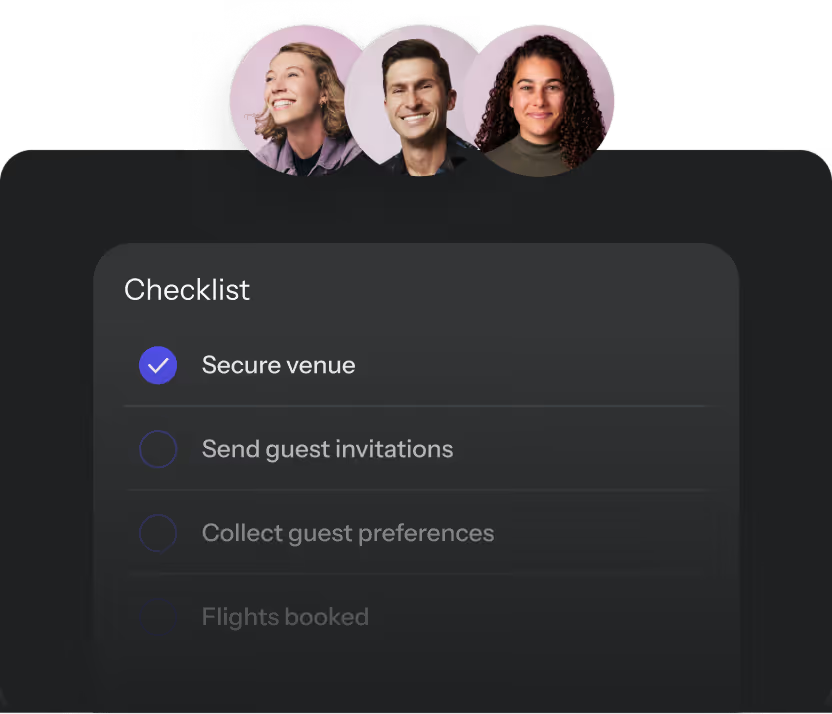
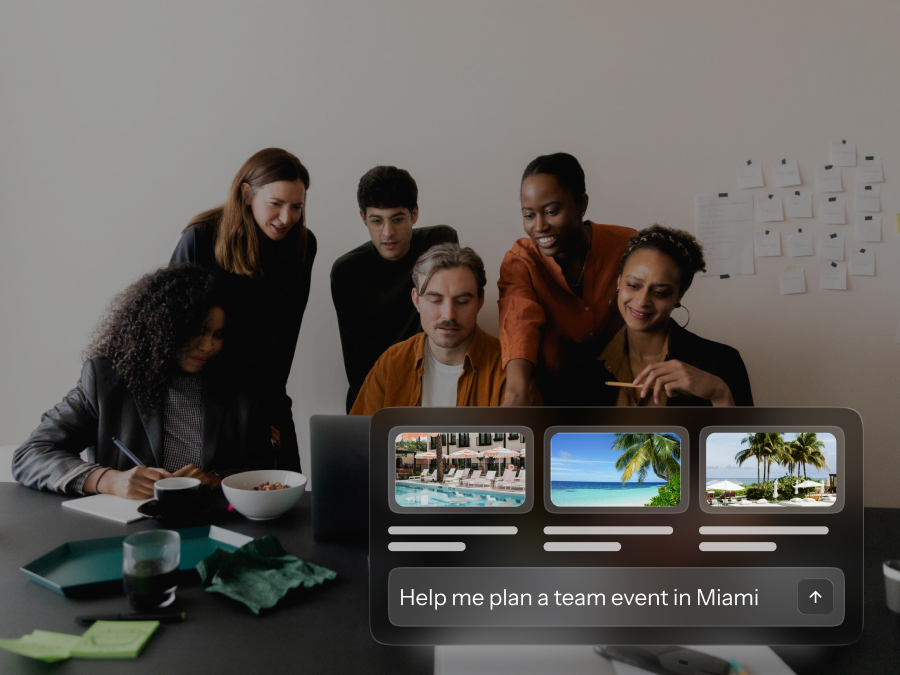
BoomPop's Event Management Platform includes built-in event policy tools, customizable approval workflows, and a Company Event Hub that gives planners visibility across all past, live, and upcoming events. The approved list and the approval process live in the same place, enabling:
- Teams to request events
- Planners to route approvals
- Finance to track spend
No side docs required.
Start planning in 2 minutes or less

.avif)

.svg)