
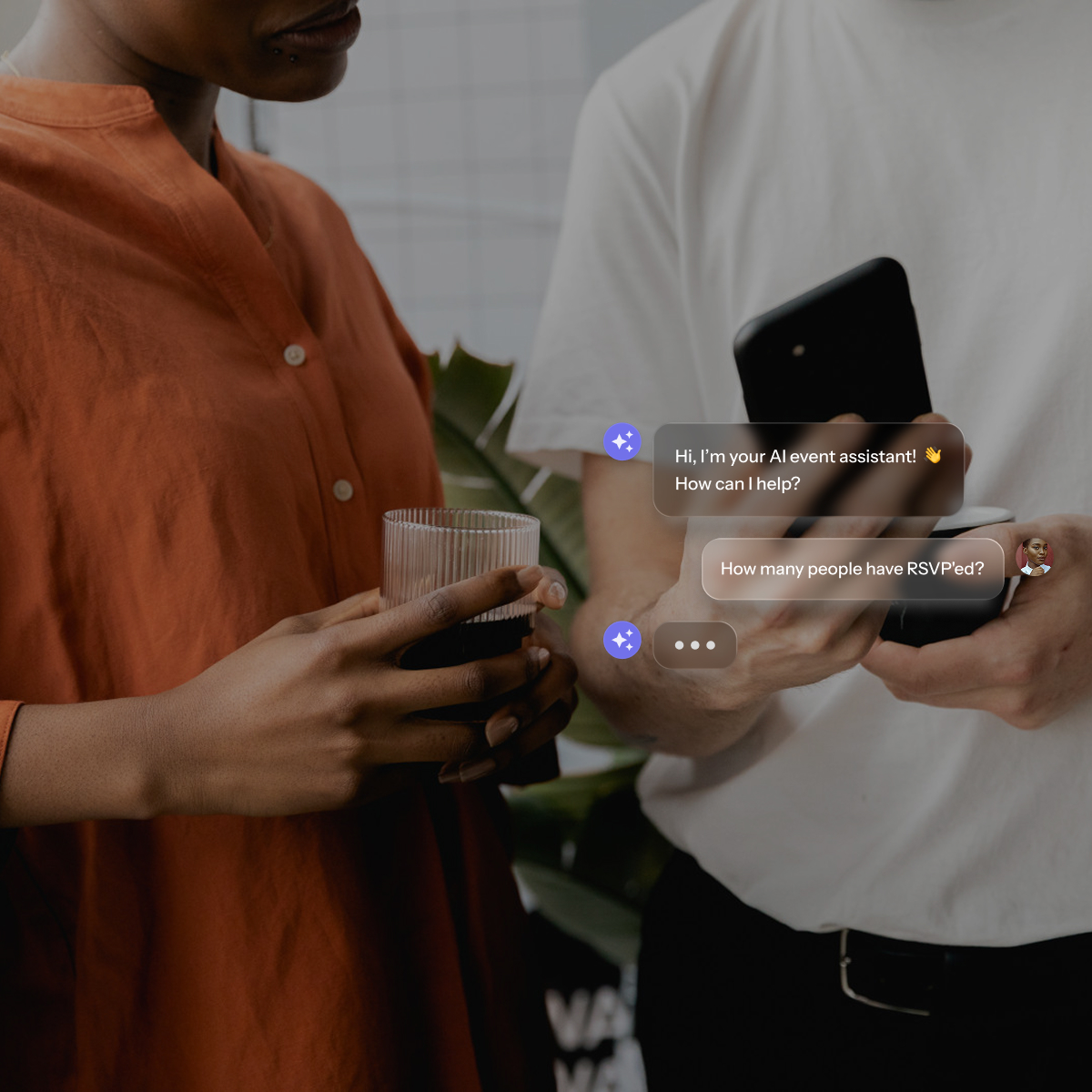
Most companies underestimate how much event spend is happening outside any managed process.
One large U.S. financial services organization found approximately $25 million in meetings and events spend that its core events team had no visibility into. That's not unusual.
When every request has to go through one person, managers stop waiting and start booking on their own.
Self-serve event planning tools change that dynamic. Managers get the autonomy to plan events without creating bottlenecks, and finance and HR get the visibility they've been missing.
This article breaks down what those tools do, what actually matters when you're evaluating them, and how platforms like BoomPop, Cvent, Asana, and Trello approach the corporate use case differently.
What are self-serve event planning tools for managers?
Self-serve event planning tools are software platforms that let individual managers or team leads initiate, plan, and manage events on their own without routing every decision through a central HR or events team. The best ones build policy, approvals, and budget guardrails directly into the workflow so managers have real autonomy within defined limits.
At mid-to-large companies where events happen across many teams at once, the alternative is one overloaded person fielding every request, or a bottleneck that slows down every offsite, team dinner, and SKO on the calendar.
Why do managers need self-serve event planning tools?
When you're running dozens of events a year across multiple teams, centralizing every planning decision through one person creates a bottleneck that delays approvals, frustrates managers, and burns out whoever is at the center of it. Distributing planning responsibility to managers with the right tools removes that bottleneck while keeping spend and policy intact.
How do tools save manager time?
Manual event planning eats hours that managers don't have. Research shows that 58% of professional event planners spend up to five hours using technology to source each event, and hotel RFP response times average over five days. When managers handle this work without purpose-built tools, they spend even longer waiting for vendor replies, chasing RSVP spreadsheets, and answering the same guest questions from 40 different attendees.
Self-serve platforms eliminate the specific tasks that turn a two-hour offsite into a two-week project. Key time-savers include:
- Event request submission: Managers fill out one structured form instead of emailing back and forth with a central team
- RSVP and guest tracking: Attendee lists update automatically rather than living in a shared Google Sheet
- Vendor and hotel sourcing: Pre-vetted options surface inside the platform instead of requiring cold outreach
- Budget visibility: Spend is tracked in real time against an approved budget rather than reconciled after the fact
How do tools keep events on policy?
Self-serve tools enforce policy at the point of planning, not after the invoice arrives. Research from the Global Business Travel Association found that 52% of companies have managers booking events outside managed channels, leading to lost negotiated discounts, inconsistent contract terms, and difficulty locating attendees in an emergency.
Configurable approval workflows, spending caps, and required fields prevent managers from accidentally booking outside company guidelines - for example, flagging a $15,000 team dinner that exceeds a $5,000 per-event cap before it gets approved. A manager planning a 25-person offsite can move fast because the platform only surfaces compliant options and routes exceptions to the right approver automatically.
How do tools make spend visible?
When events are planned in silos, one manager in Slack, another in email, another in a spreadsheet, there is no aggregate view of what the company is spending. One large U.S. financial services organization discovered approximately $25 million in meetings and events spend happening outside its core events team.
Self-serve tools centralize that data in a dashboard showing total budget committed, events by team or quarter, and actual versus planned costs - giving finance a single view of, say, $1.2 million in Q3 event spend across 47 events without auditing every inbox.
How can managers request events without breaking process?
The tension between speed and control is real. Managers need to move fast, but finance and HR need to know that nothing gets booked outside policy or budget. Three mechanisms make self-serve safe at scale: structured request forms, configurable approval rules, and a shared event hub.
How does one event request form help?
When managers fill out a standardized form capturing event type, date, headcount, budget, and location, the platform can automatically route it to the right approver and flag anything outside policy before a human even reviews it. BoomPop's customizable request forms let companies define exactly what information they need upfront so nothing slips through.
Look for forms that capture:
- Event type (offsite, team dinner, SKO, client event)
- Estimated headcount and dates
- Budget range
- Location preference or flexibility
- Any special requirements (dietary, accessibility, AV)
How do approval rules protect policy?
Configurable approval workflows route a request to the right approver based on rules: events over a certain budget go to finance, offsites go to the VP of People, client events require sales leadership sign-off. BoomPop's configurable approvers let companies set thresholds and exception flows that match their actual governance needs, so the manager gets a faster answer and the company gets consistent policy enforcement.
How does one event hub keep teams aligned?
A company-wide event hub is a single place where all past, live, and upcoming events are visible to the people who need to see them, solving the "I didn't know that team was also planning an offsite that week" problem. BoomPop's Company Event Hub surfaces metrics like total attendees, destinations visited, budgets, and KPIs so leadership can see the full event portfolio without asking every manager for a status update.
What features should self-serve event planning software include?
Not every platform is built for the corporate use case. The features below are what separate a purpose-built event management tool from a generic project tracker or ticketing system.
How do managers manage guests?
Guest management means collecting RSVPs, tracking dietary restrictions, sending automated reminders (e.g., at 7 days, 3 days, and 1 day before the event), and producing a final attendee list without manual data entry. When 40 people need to confirm attendance and submit meal preferences, a platform that automates collection and sends reminders saves hours of inbox work.
How do managers track budgets?
Research compiled by the European Spreadsheet Risk Interest Group shows that the majority of spreadsheets contain errors, and approximately 50% of operational spreadsheet models in large businesses have material defects. A purpose-built platform lets the manager set a budget at the time of the request and tracks committed and actual spend against it in real time, so they know exactly how much room they have left without reconciling receipts manually.
How do managers source hotels and vendors?
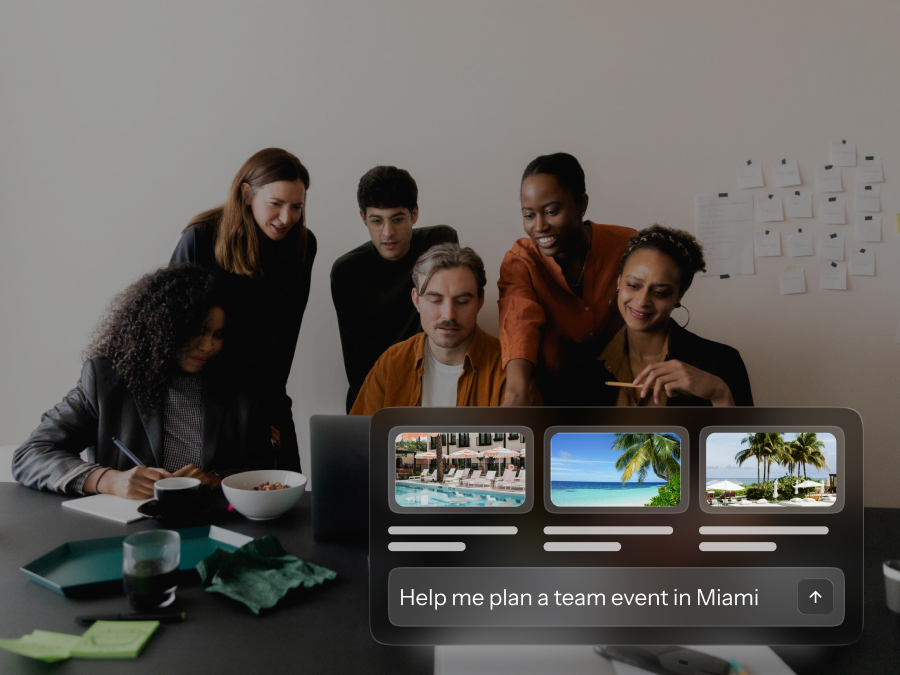
BoomPop's hotel and vendor sourcing feature gives managers access to over one million pre-vetted vendor partners and negotiated rates with discounts up to 40% on hotel room blocks. AI-powered hotel suggestions based on event parameters like headcount, dates, and location reduce the research burden from hours to minutes, which is especially valuable for managers who have never negotiated a room block before.
How do managers answer guest questions faster?
BoomPop AI's guest messaging feature is an always-on assistant that automatically answers common guest questions about directions, parking, schedule, and dietary options. When 40 attendees ask the same five questions, the AI handles the repetitive inbound messages while the manager stays focused on higher-order decisions like agenda design and speaker coordination.
How do managers assign team tasks?
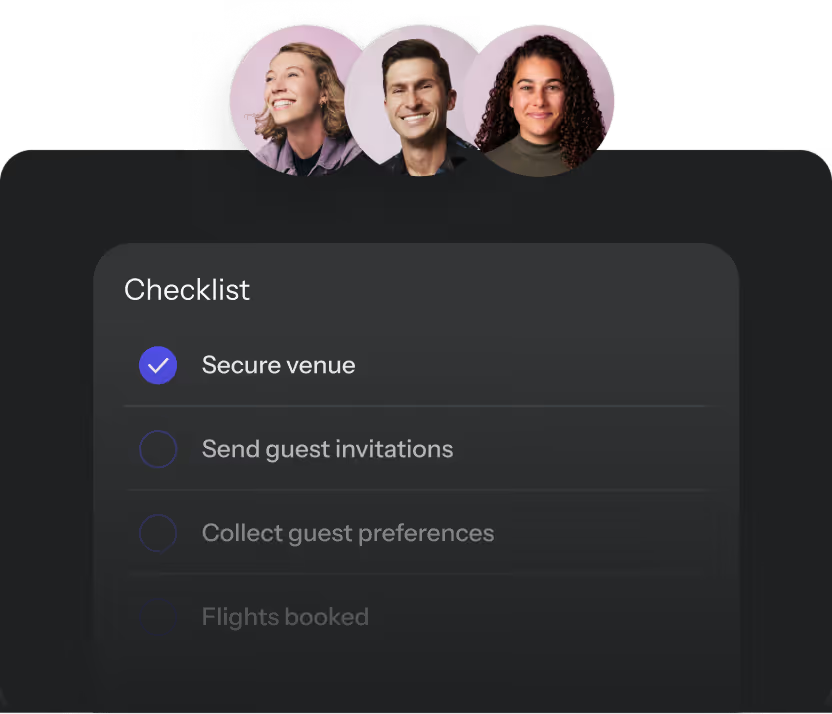
Most multi-day offsites and SKOs involve more than one person handling catering, AV, travel, or day-of logistics. Self-serve platforms let managers assign tasks, set deadlines, and track progress without relying on a separate project management tool, keeping event-specific work in one place instead of scattered across Asana, email, and Slack threads.
Common delegated tasks include:
- Confirming venue details and catering minimums
- Coordinating travel and hotel room blocks
- Collecting attendee dietary restrictions
- Sending pre-event reminders and logistics emails
- Managing day-of check-in
How do you choose the right event planning system?
The right platform for a 50-person company running two offsites a year looks very different from what a 5,000-person company needs when 30 managers are planning events simultaneously. Before committing, evaluate across these four dimensions:
- Ease of use: How quickly can managers submit requests without training?
- Policy controls: Can the central team configure spending caps and approval steps?
- Reporting clarity: Does the dashboard surface spend and attendance without manual exports?
- Support responsiveness: How fast can someone step in when issues arise?
How easy is it for managers to use?
Legacy enterprise platforms like Cvent often require formal training paths, including PCI awareness training for administrators due to payment processing implications, and user reviews frequently cite a steep learning curve for first-time users. If the tool requires more than 15 minutes of onboarding before a manager can submit a basic event request, adoption rates drop significantly.
How strong are the policy controls?
A March 2026 survey of 70 event planners found that 89% said negotiating contracts and getting to signed deals is more difficult than two years ago, with attrition clauses and cancellation penalties among the top sticking points. The platform should let the central team configure spending caps, required approval steps, and mandatory form fields without needing IT support, catching those contract risks before managers sign.
How clear is the reporting?
Look for a company-wide event dashboard that surfaces spend, attendance, and event comparisons across teams and time periods - such as Q1 vs. Q2 spend by department or cost-per-attendee trends - without requiring a manual data export. If the reporting requires a data analyst to interpret, finance leaders and HR managers - the people who need it most - won't use it.
How fast can support step in?
When a hotel cancels a room block the week before an event or a vendor goes dark, the manager needs to know someone will pick up the phone - look for platforms offering support SLAs of under four hours during business hours. The difference between a two-hour response and a two-day response can determine whether an event happens or gets canceled - especially for events with 50+ attendees where rebooking logistics compounds quickly.
When should managers use full-service planning?
Self-serve tools work well for straightforward team offsites, dinners, and small meetings, but some events are complex enough that a manager should not be handling logistics alone even with good software. Full-service planning means a dedicated planning team handles sourcing, vendor coordination, and on-site execution on the company's behalf.
Signals that an event may need full-service support:
- Headcount is large enough that hotel room blocks and food and beverage minimums become complex to negotiate
- The event spans multiple days or locations
- Leadership visibility is high and execution risk is low-tolerance
- The manager has no prior experience with the event type
- A previous DIY attempt went poorly and confidence is low
BoomPop offers both self-serve and full-service options in one platform, which lets companies start self-serve and escalate to full-service support when an event outgrows the manager's capacity or risk tolerance.
FAQ
What is the best event management tool for managers who plan company events?
The best tool depends on company size, event volume, and whether the company needs self-serve request workflows, approval controls, or full-service support. Platforms like BoomPop are built specifically for corporate use cases including offsites, SKOs, and client events, and offer both self-serve and full-service options in one place.
How much do self-serve event planning tools cost?
Pricing varies by platform and typically scales with the number of events, users, or features - expect anywhere from $0 for basic tiers to $10,000+ annually for enterprise plans, with some tools charging $200–$500 per event and others using annual licensing. Factor in the value of vendor discounts and hours saved when evaluating total cost.
Are free event planning tools enough for company events?
Free tools like spreadsheets or basic ticketing platforms can handle simple one-off events but lack the approval workflows, policy controls, and spend visibility that companies need when five or more managers are planning events simultaneously.
What is the difference between event management software and project management software?
Project management tools like Asana or Trello track tasks and deadlines but cannot manage RSVPs, source venues, enforce event budgets, or handle guest communications. Event management software is purpose-built for the full event lifecycle.
Can managers plan events without creating approval bottlenecks?
Yes. Self-serve platforms with configurable approval workflows automatically route requests to the right approver based on event type, budget, or team, so approvals happen faster without a single gatekeeper becoming a bottleneck.
Start your plan in 2 minutes or less
BoomPop's Event Management Platform gives managers the autonomy to plan events while keeping your team in control of policy, approvals, and spend. See it for yourself and get started for free.
Start planning in 2 minutes or less

.avif)

.svg)